Toon Lighting
Toon shading is a non-photorealistic way of depicting lighting effects (figure 1). While it still shows lighting effects, it does so in a simpler way, often with large areas of flat shaded color. In OctaneRender®, toon shading is controlled by Toon materials and light sources. Toon rendering in OctaneRender consists of two parts: a diffuse part, and a glossy highlight. The amount of detail in the shading is controlled using a Toon Ramp (Figure 2).
|
|
Toon Example
|
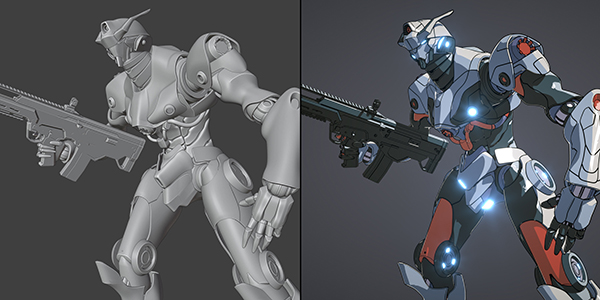
Figure 1: An example of a scene rendering using Toon lighting and shading courtesy of Lino Grandi
|
|
Toon Ramp
|
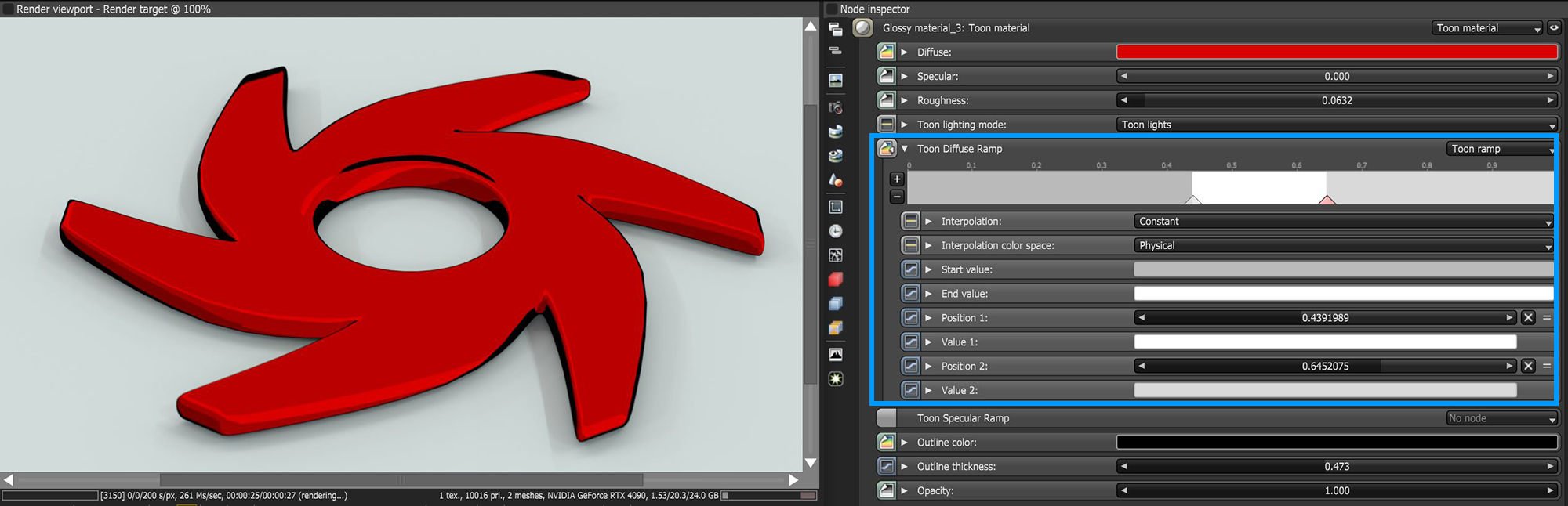
Figure 2: The amount of detail in the shading is controlled with a Toon Ramp
Toon shading uses its own light sources, independent from any mesh emitters in the scene. Toon lights are not visible in the rendered image. There are two kinds of toon lights: Toon Point light (Figure 3), and Toon Directional light (Figure 4).
|
|
Toon Point Light
|
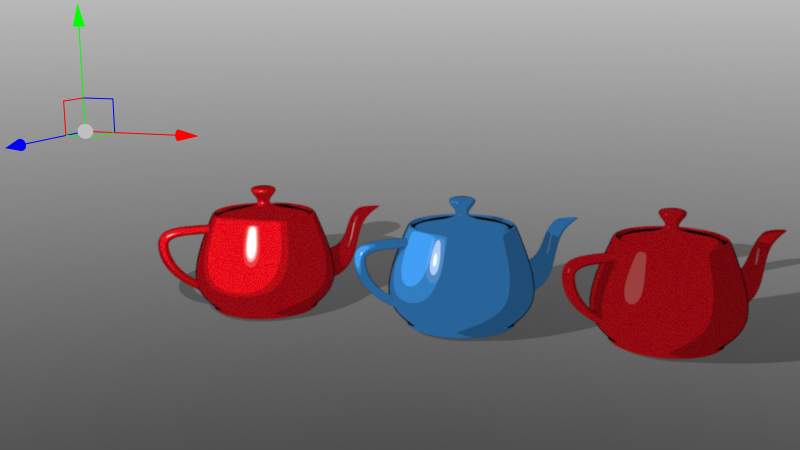
Figure 3: Point lights behave similar to small mesh lights
|
|
Toon Directional Light
|
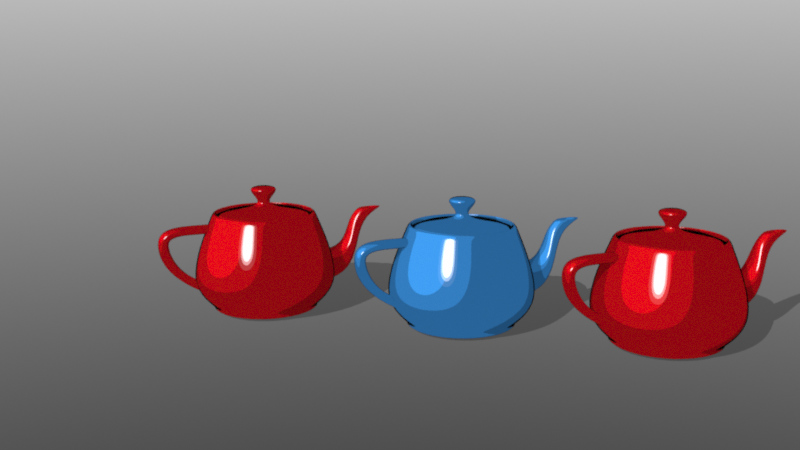
Figure 4: Directional lights behave similar to sunlight
|
|
Node Graph
|
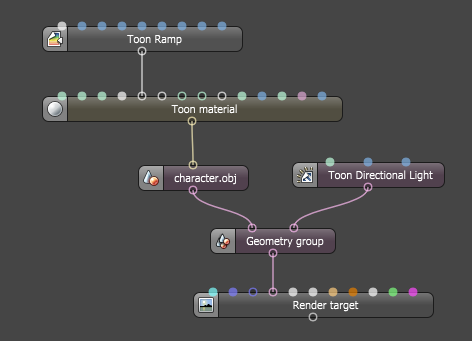
Figure 5: Basic Node Graph showing the connections of Toon nodes used for Toon rendering
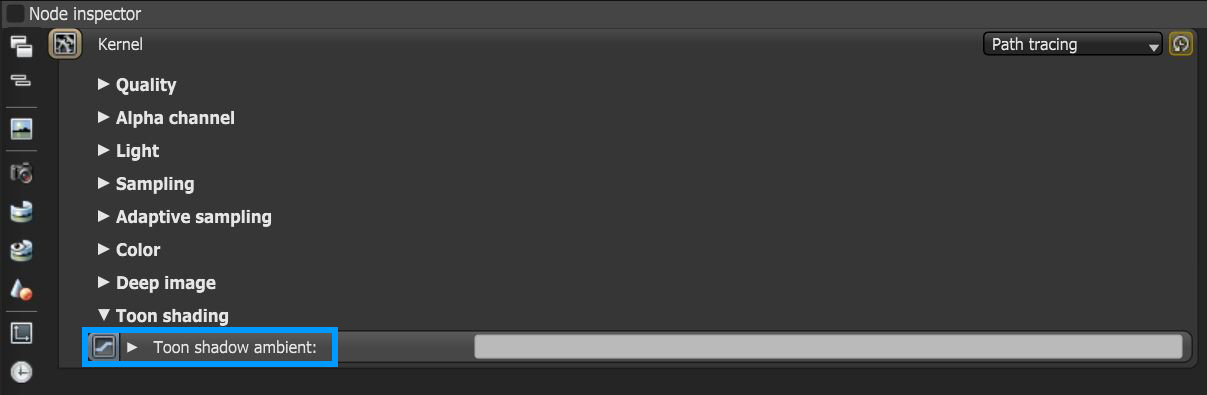
To control shadow color and brightness, go to Kernel settings and adjust the Toon Shadow Ambient parameter (figure 6).
|
|
KErnel Settings
|