Sphere Light
The Sphere Light is essentially a geometric sphere with a Diffuse material that has the Emission properties activated (Figure 1). The Sphere Light parameters can be access from the Shader Editor (Figure 2) or the Light Properties Panel (Figure 3).
|
|
Sphere Light
|

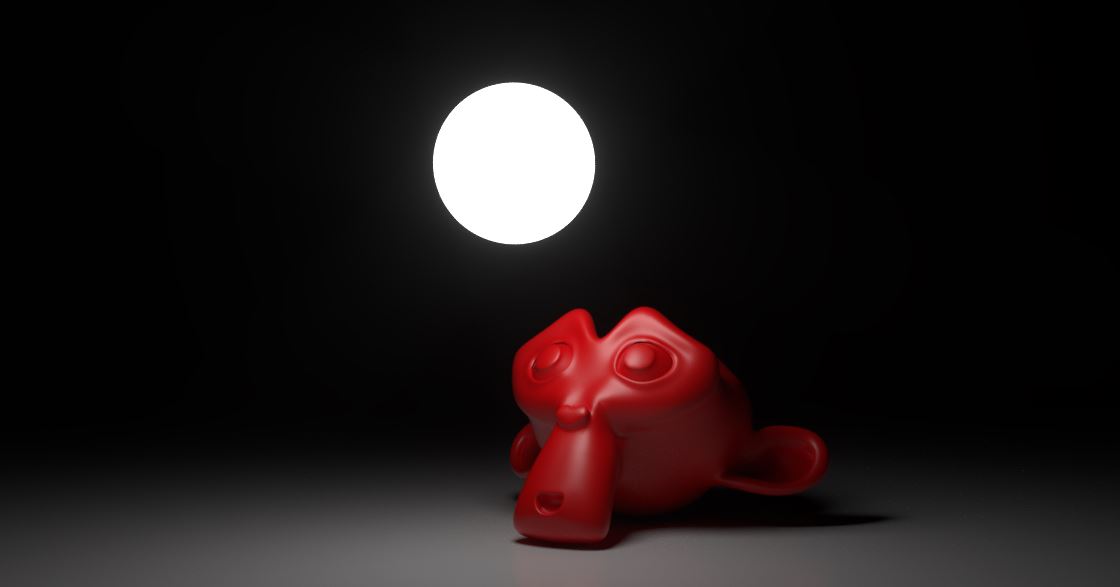
Figure 1: Sphere Light Example
|
|
Sphere Light
|

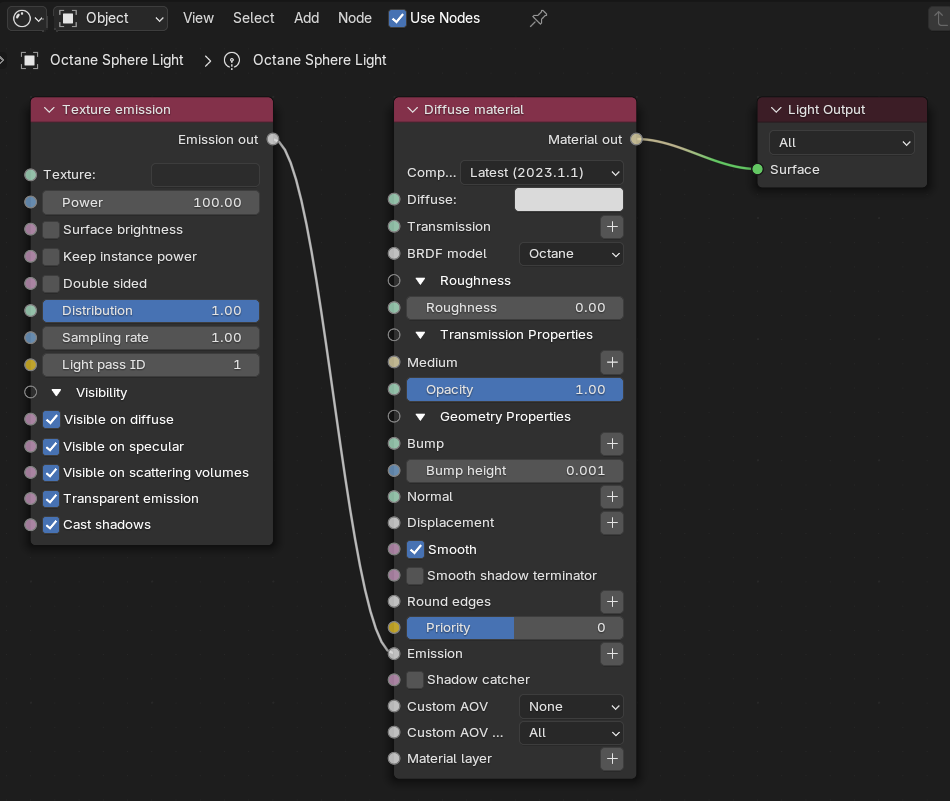
Figure 2: The Sphere Light Parameters in the Shader Editor
|
|
Sphere Light
|

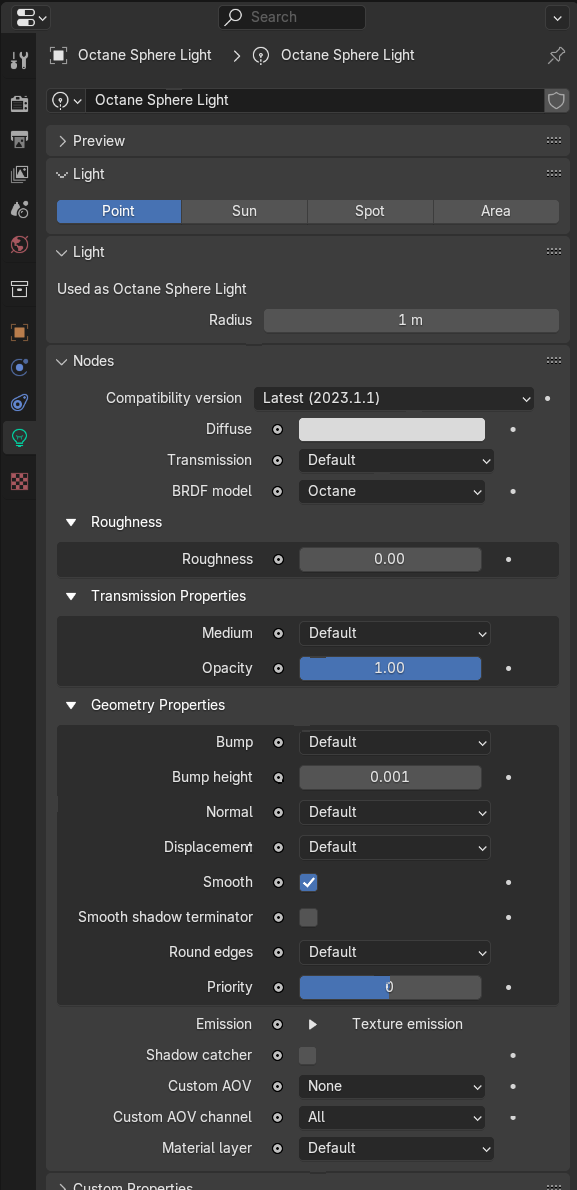
Figure 3: The Light Properties panel
Sphere Light Parameters
Accessible in Light Properties
Radius - Determines the size of the light source. The larger the source, the softer the shadows.
Accessible in Shader Editor and Light Properties
Diffuse Material - The default material when you setup an Octane Area Light. For a list of its parameters, refer to the Diffuse Material page.
Texture Emission - The default emission when you setup an Octane Area Light. For a list of its parameters, refer to the Texture Emission page.