Mesh Light
A Mesh Light is a polygon object that emits light into a scene. This is possible by applying a Diffuse, Universal, or Standard Surface material to the mesh object, and then connecting a Black Body or Texture emission node to the material's Emission channel. The Mesh Light parameters can be access from the Shader Editor (Figure 2) or the Light Properties Panel (Figure 3).
|
|
Mesh Light
|

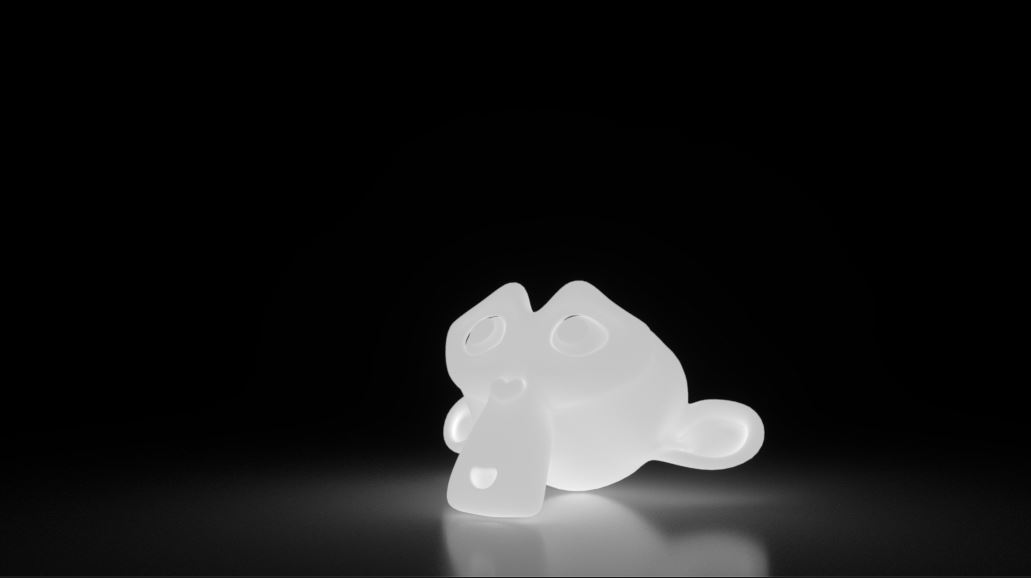
Figure 1: Mesh Light Example
|
|
Mesh Light
|

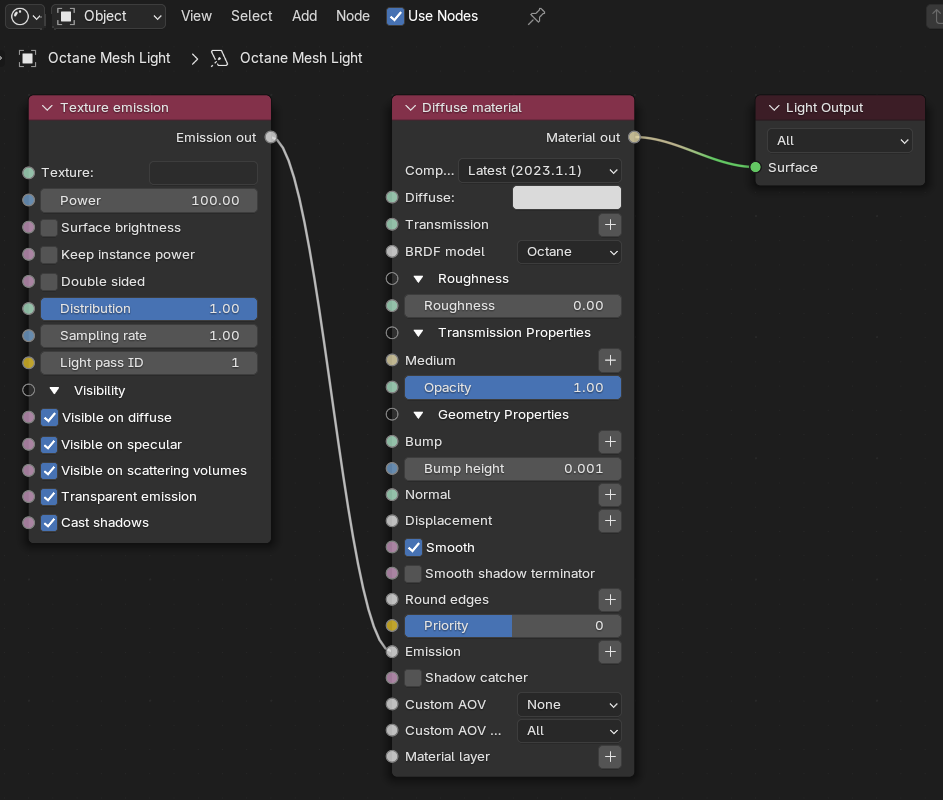
Figure 2: The Mesh Light Parameters in the Shader Editor
|
|
Mesh Light
|

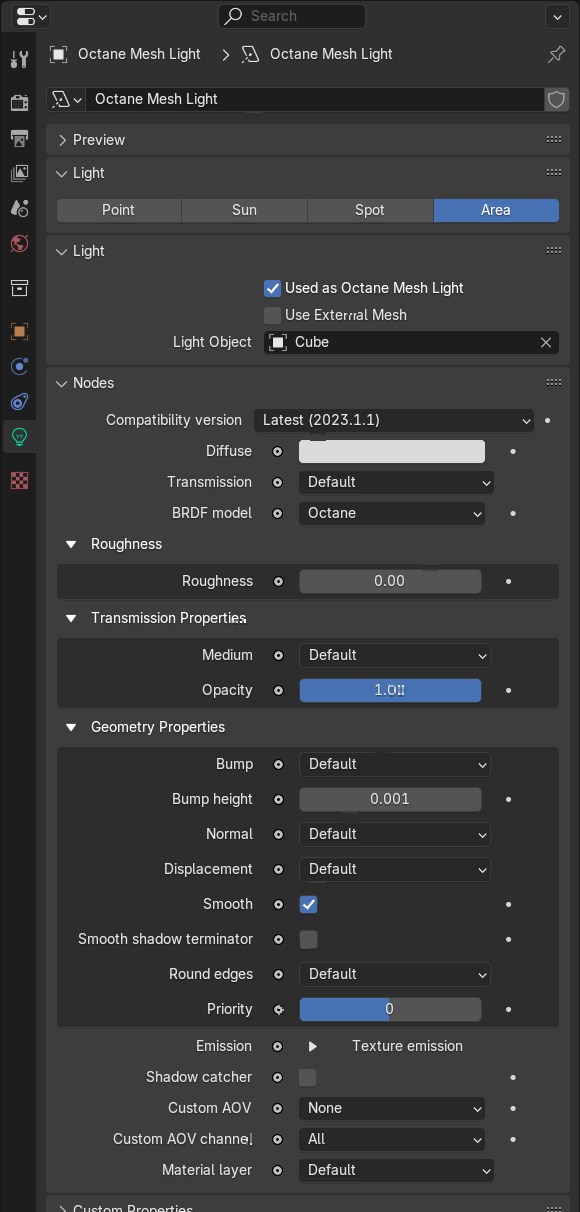
Figure 3: Mesh Light Parameters in the Light Properties panel
Mesh Light Parameters
Accessible in Light Properties
Used as Octane Mesh Light - Enable (default) or disable as a Mesh Light.
Use External Mesh - Select an external .obj file to use as a Mesh Light.
Light Object - Select a scene object to use as a Mesh Light.
Accessible in Shader Editor and Light Properties
Diffuse Material - The default material when you setup an Octane Area Light. For a list of its parameters, refer to the Diffuse Material page.
Texture Emission - The default emission when you setup an Octane Area Light. For a list of its parameters, refer to the Texture Emission page.