Range
The Range node is used to remap input values to specific output values. In figure 2, the Range node used to remap the color intensity of a connected texture map.
|
|
Range
|
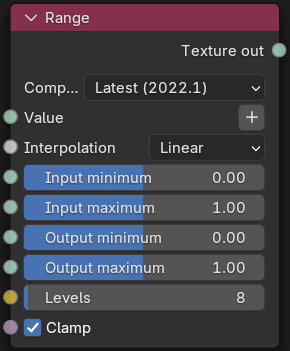
Figure 1: Range Node
|
|
Range
|
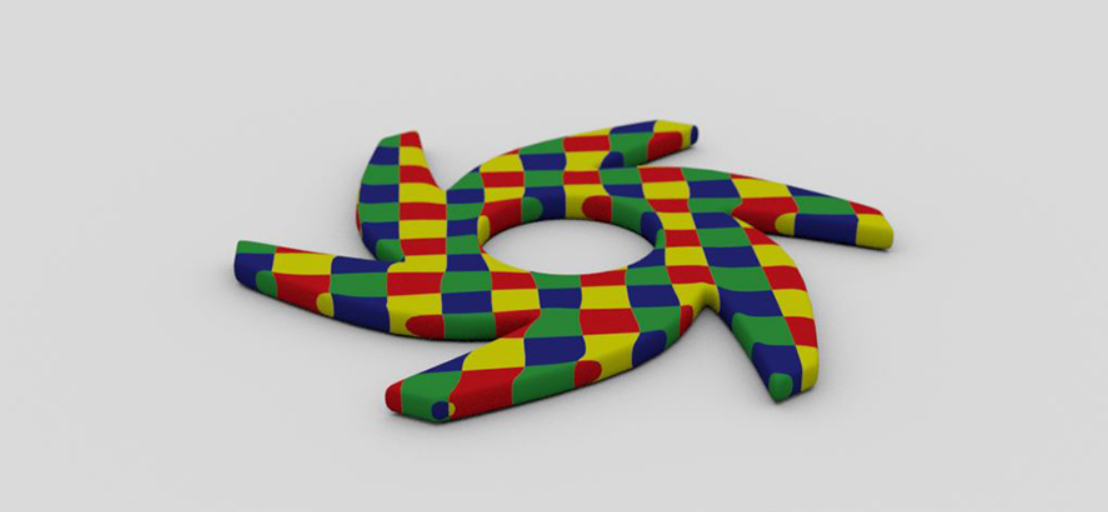
Figure 2: A Range node example
Range Parameters
Compatibility version - The Octane version that the behavior of this node should match.
Value - The data to be remapped.
Interpolation - The type of interpolation to be preformed on the data.
Input min/max - The incoming values to be remapped.
Output Min/max - Specifies the output minimum and maximum values
Levels - Determines the number of distinct output levels per channel. This parameter is only active when using the Steps or Posterize interpolation methods.
Clamp - Clamps the input to the input range. Interpolation modes other than Linear are always clamped.