Subtract texture
The Subtract Texture subtracts the value of one texture from another, similar to the Subtract Layer mode in Photoshop®. In figure 2, the Subtract Texture node is used to subtract a yellow RGB Color texture from a Marble texture resulting in a blue color.
|
|
Subtract Texture
|

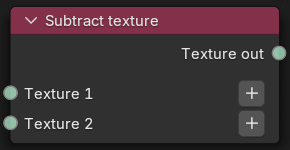
Figure 1: Subtract texture Node
|
|
Subtract Texture
|

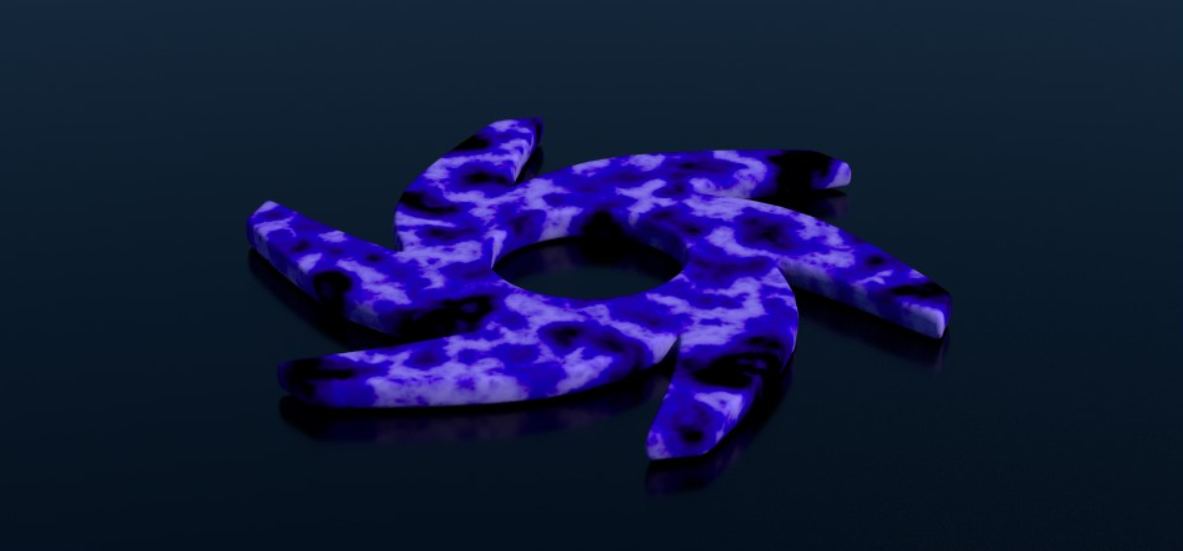
Figure 2: A Subtract Texture node example
Subtract Texture Parameters
Texture 1 - The first texture from which the second texture will be subtracted. Black by default.
Texture 2 - The second texture that will be subtracted from the first texture. Black by default.