Octane Shaders Overview
The Shader Editor window provides access to the OctaneRender® nodes (figure 1). There are many types of nodes available, which are discussed in this section of this manual.
|
|
Shader Editor
|

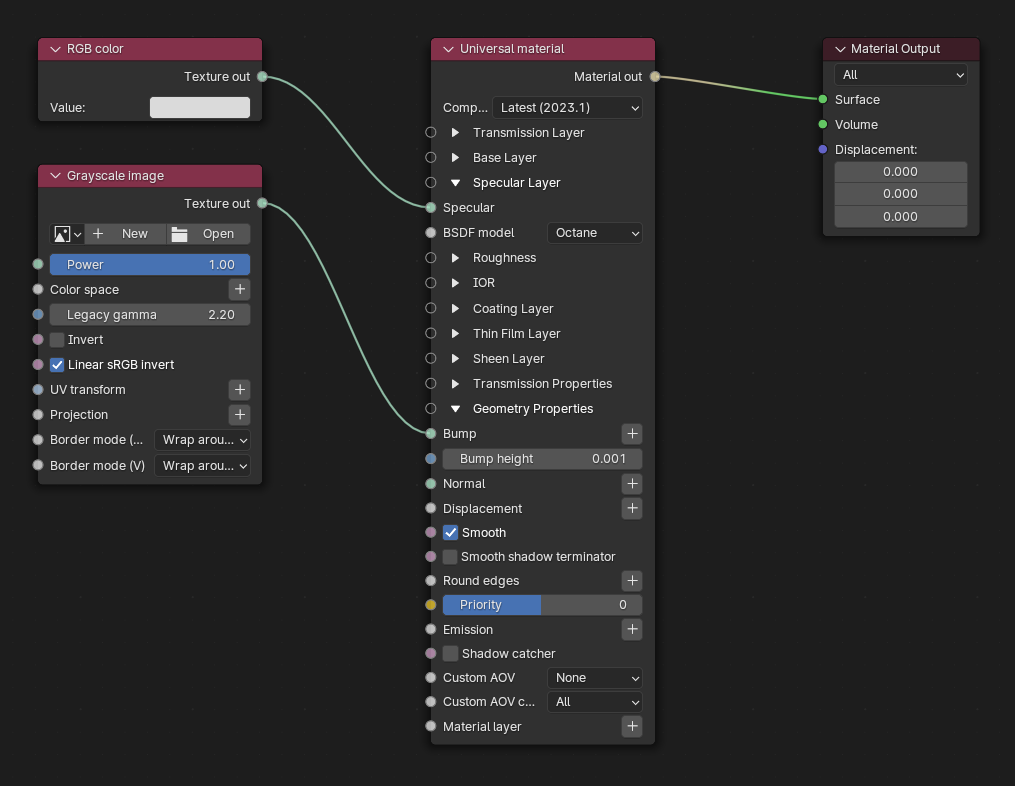
Figure 1: The Node Editor populated with OctaneRender® Material nodes
Materials and their associated nodes are accessible from the Material tab (figure 2).
|
|
Material Tab
|

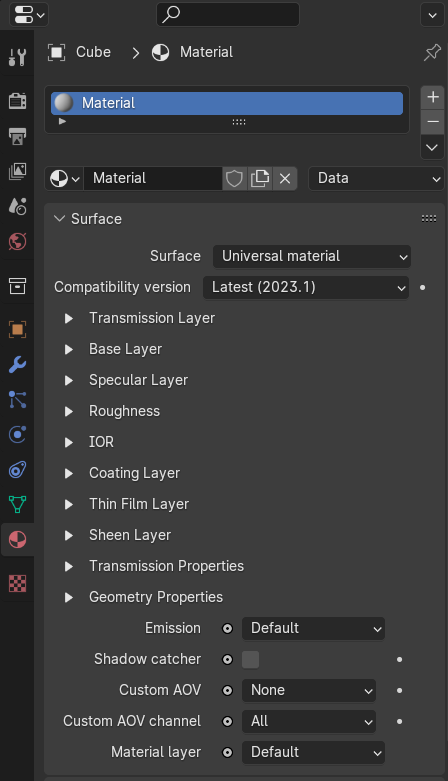
Figure 2: Accessing Nodes from the Material window