Analytical Light
Analytic lights resemble mesh lights but produce significantly less noise at lower sampling values compared to their mesh counterparts (Figure 1). A scene can accommodate up to 32 renderable Analytic lights. You can access the parameters for Analytic lights from the Shader Editor (Figure 2) or the Light Properties Panel (Figure 3).
|
|
Analytical Light
|

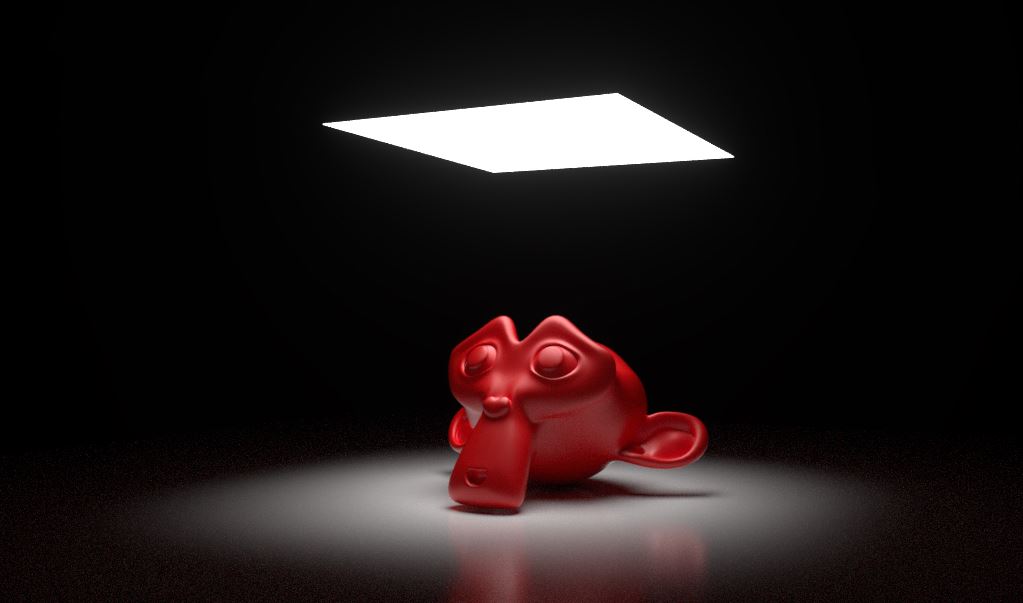
Figure 1: Analytic light Example
|
|
Analytical Light
|

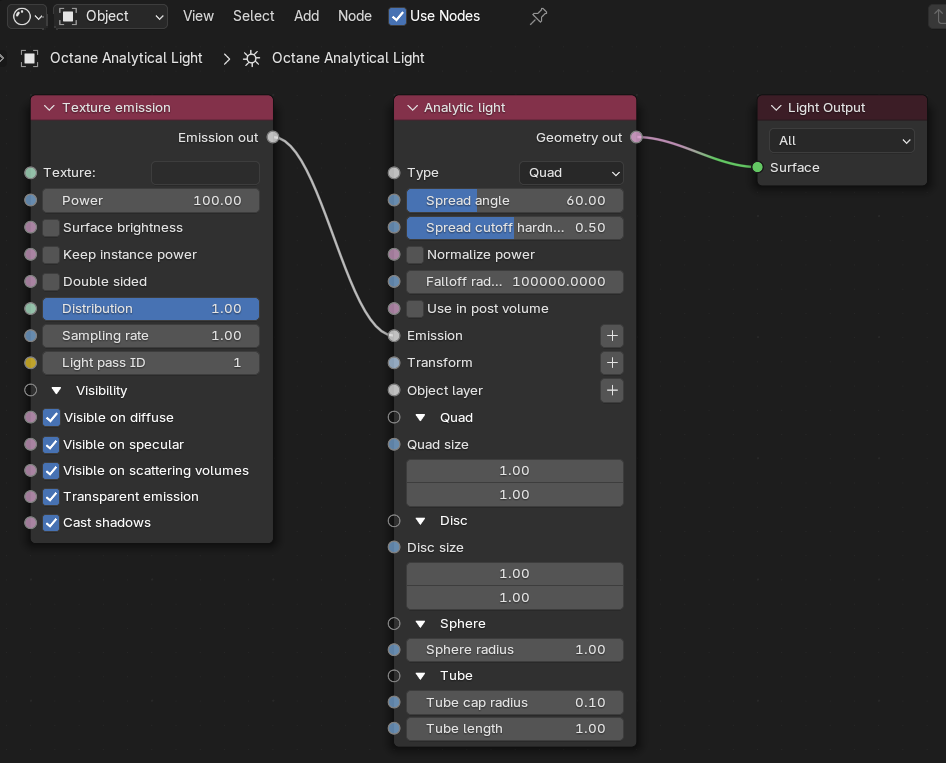
Figure 2: The Analytic light Parameters in the Shader Editor
|
|
Analytical Light
|

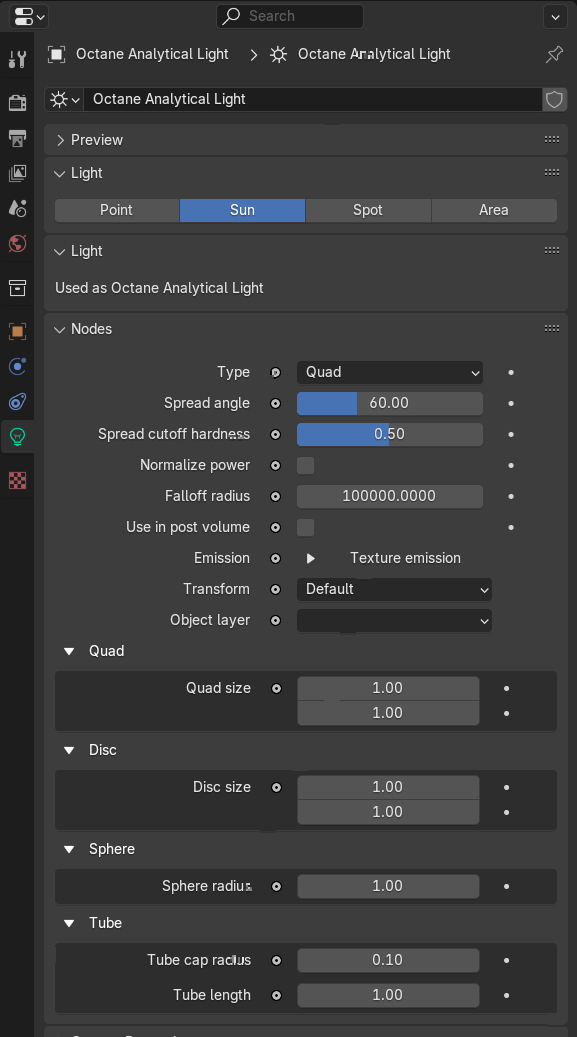
Figure 3: Analytic light Parameters in the Light Properties panel
Analytical Light Parameters
Accessible in Shader Editor and Light Properties
Type - Determines the light shape.
Spread Angle - Sets the width of the light source's cone of illumination when Quad or Disk light types are selected.
Spread Cutoff Hardness - Sets the edge hardness of the cone of illumination when Quad or Disk light types are selected.
Normalize Power - Keeps the emitted power constant when the angle changes.
Falloff Radius - Determines the falloff distance from the light source.
Use in Post Volume - Enables or disables the light in post volume rendering.
Emission - The emission type can be either a Texture Emission or a Black Body Emission. See the Mesh Emitters section for more details.
Transform - Contains parameters to move, scale, and rotate the analytic light.
Object Layer - Contains the standard object parameters. See the Object Layer Node section for more details.
Quad Size - Determines the size of the light source when Quad is selected as the light type.
Disc Size - Determines the size of the light source when Disk is selected as the light type.
Sphere Radius - Determines the radius of the light source when Sphere is selected as the light type.
Tube Cap Radius - Determines the radius of the light source when Tube is selected as the light type.
Tube Length - Determines the length of the light source when Tube is selected as the light type.
Texture Emission Node - The default emission when you setup an Octane Area Light. For a list of its parameters, refer to the Texture Emission page.