Vectron®
The Vectron® node can be used to load internal or external OSL code. In figure 1, an external OSL file that generates a fractal form has been loaded into the Vectron® node and compiled. The Iterations, Power, and Scale parameters were generated from the OSL file, they are not standard parameters for the Vectron® node.
|
|
Vectron® Node
|

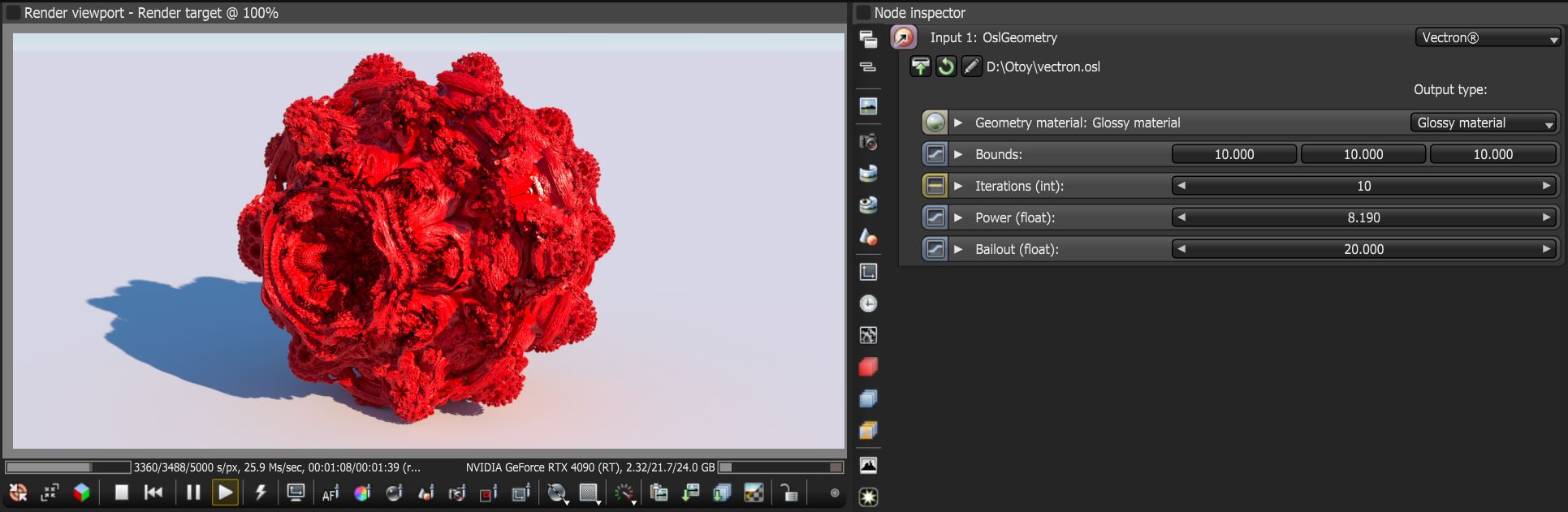
Figure 1: The Vectron® node using an OSL file
OSL files can be loaded using the Load OSL Code button located in the Node Inpsector window (figure 2).
|
|
Vectron® Node
|

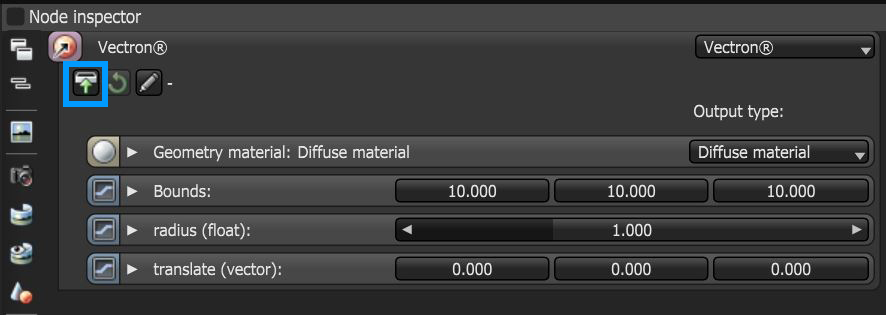
Figure 2: Loading an OSL file
By default the Vectron® node generates a sphere with two custom parameters; Radius (float) and Translate (vector). Once new OSL code is added, these parameters will disappear. The Open in Editor button will open the OSL geometry editor window for the Vectron® node (figure 3).
|
|
Vectron® Node
|

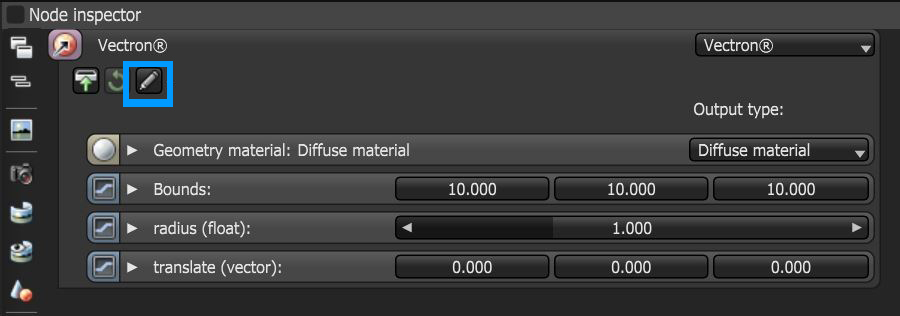
Figure 3: Accessing the OSL editor window
From within the OSL Editor window, OSL files can be loaded, edited, saved, and compiled (figure 4).
|
|
OSL Editor
|

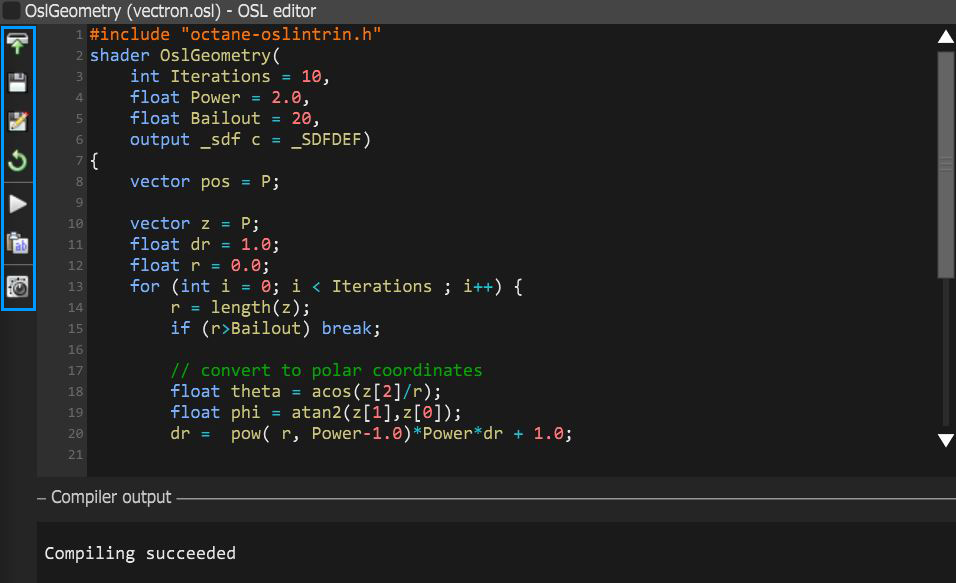
Figure 4: The OSL Geometry Editor window