Light Mixer
The Light Mixer blend node allows for efficient mixing of multiple light sources. The Light ID parameter corresponds to the Light ID parameter on light sources in the scene (figure 1). The Light ID on scene light sources is located in the Emission rollout (figure 2).
|
|
Light Mixer
|

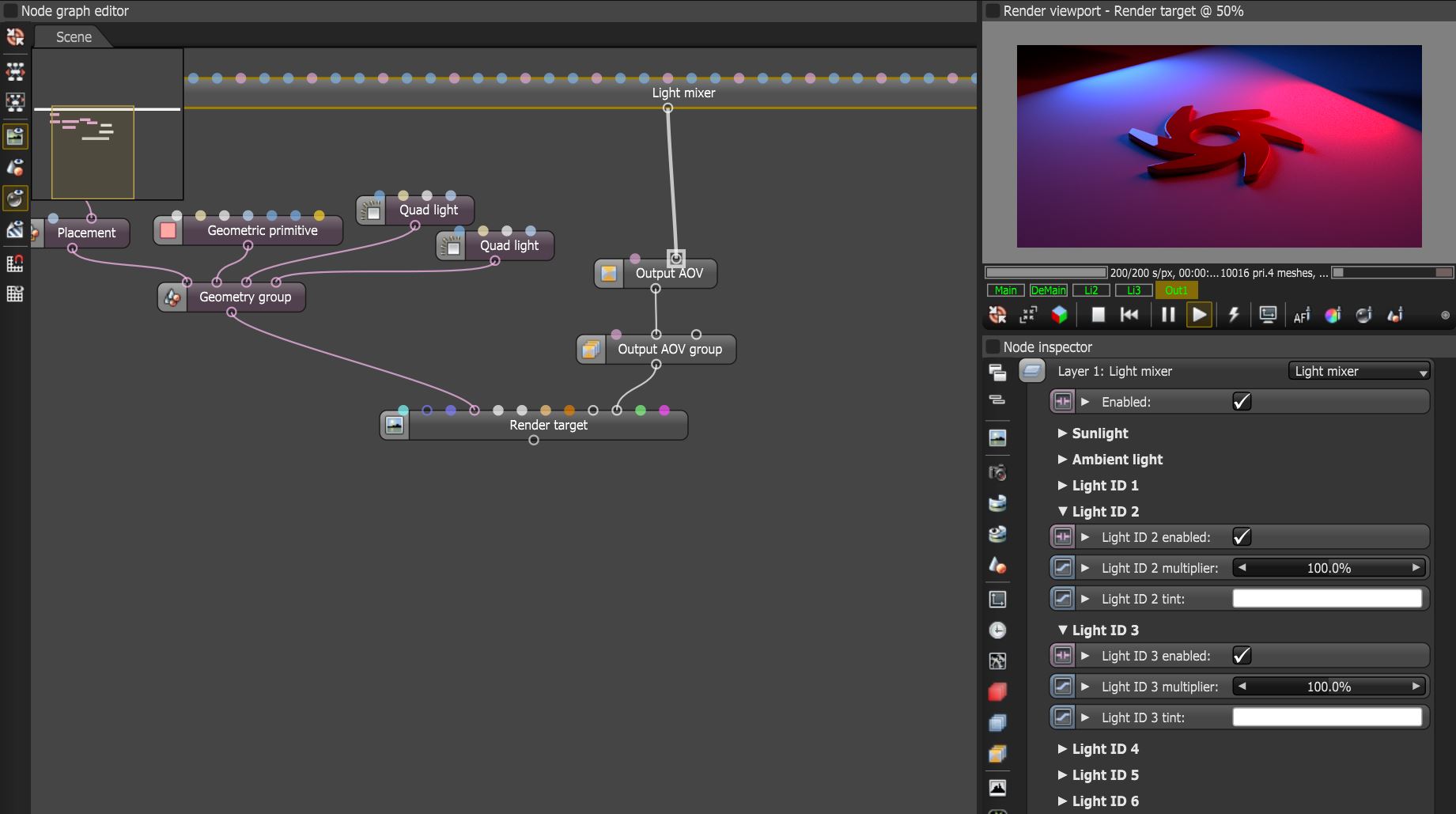
Figure 1: The Light Mixer node used to blend light IDs 2 and 3 together
|
|
Light IDs
|

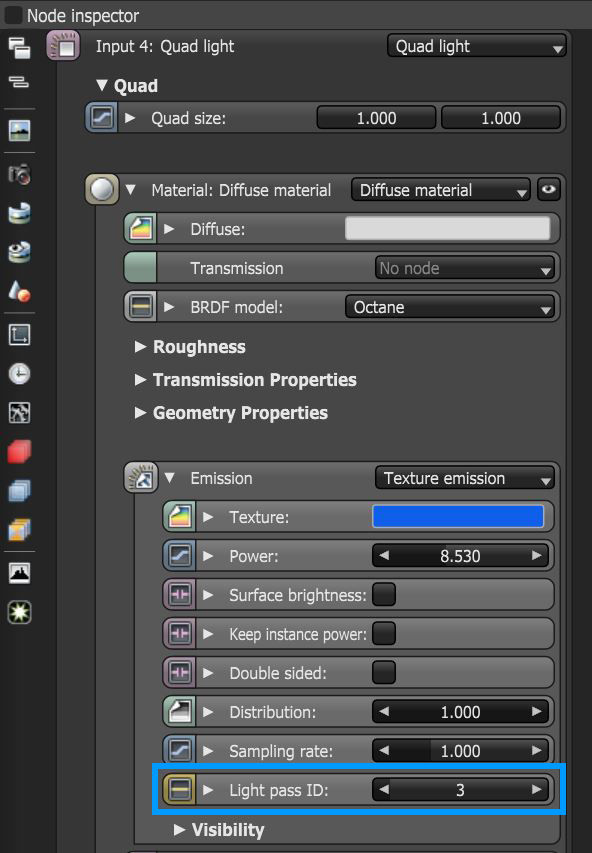
Figure 2: Accessing Light IDs on a light source
Light Mixer Parameters
Enabled - Determines whether the Light Mixer node is active or not.
Sunlight - Controls the sunlight results in the composite tree if a Daylight Environment is used.
Ambient Light - Controls the ambient light produced by the environment lighting systems.
Light IDs - Corresponds to the Light IDs on scene light sources.
Effects - Provides the ability to stack additional Output AOV nodes to this node using blending settings.
Blending Settings - Provides typical blending options used in the compositing process.