Trace Sets
The Trace Set system allows for greater control over including or excluding scene data from object surfaces when light hits the surface. It is similar the Visibility and Light Pass Mask settings but provides a deeper level of control that can be used across multiple objects. Figure 1 shows a torus reflected in a ground surface. Figure 2 shows the torus reflections excluded from the ground surface using a Trace Set.
|
|
Trace Sets
|

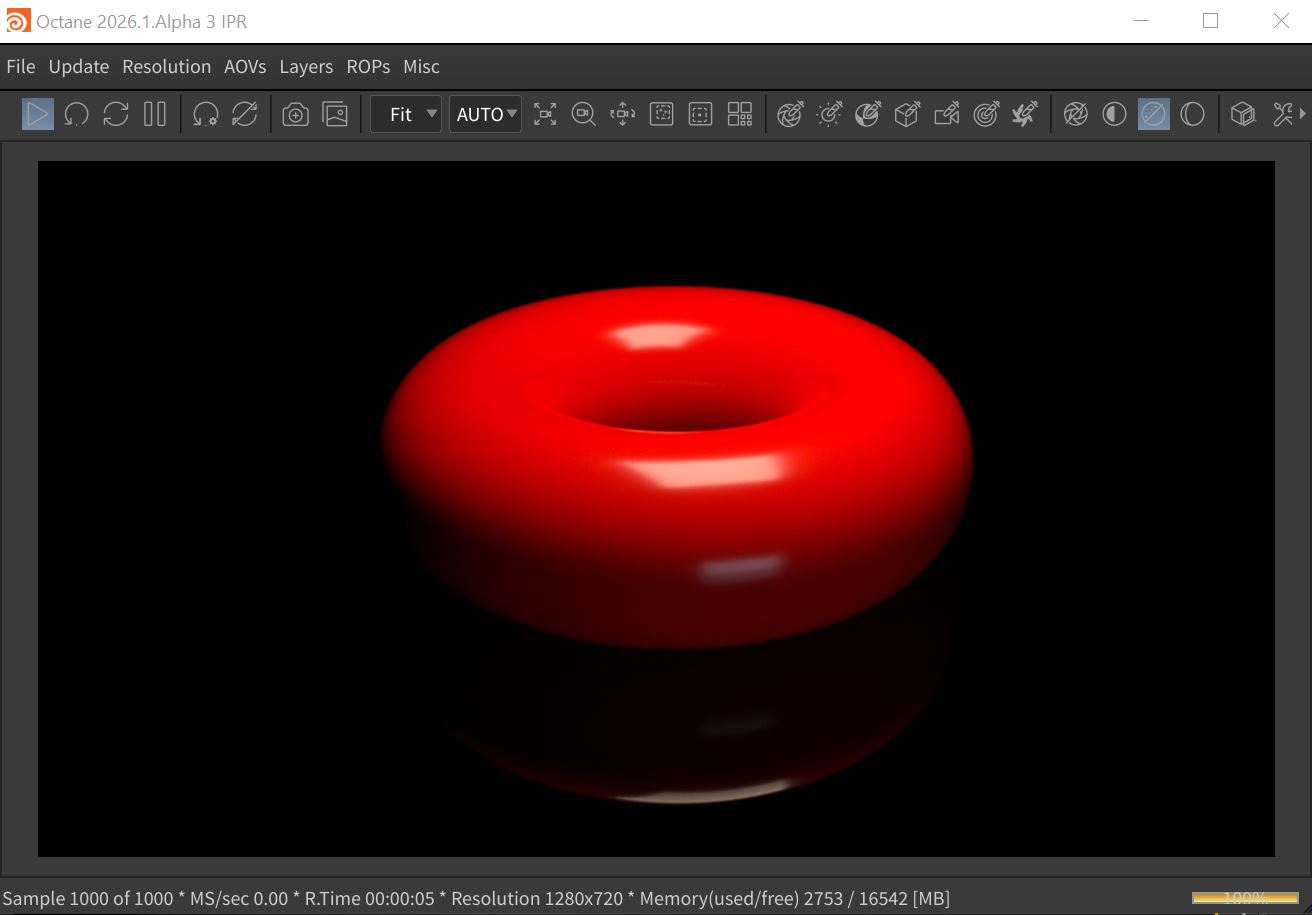
Figure 1: A torus reflected in a ground surface
|
|
Trace Sets
|

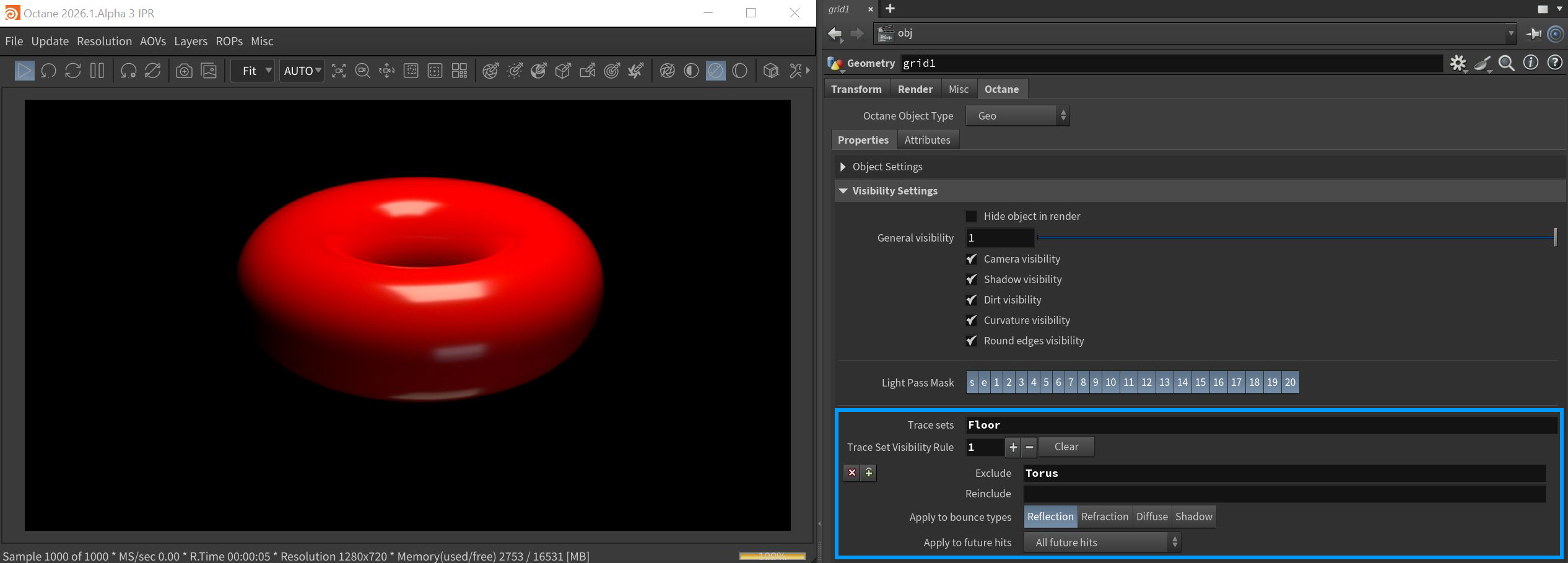
Figure 2: The torus reflections excluded from the ground surface
Trace Set Parameters
Trace Sets - Specifies which trace sets this object belongs to. A comma is used to add more than one trace set name.
Trace Set Visibility Rule - Creates an exlude/reinclude parameterfor this object's rendering.
- Exclude - The trace set names to include, separated by commas.
- Reinclude - Comma-separated list of names of trace sets to be treated as visible again for future hits in light paths that hit objects with this trace set applied, after potentially having been excluded by an earlier bounce.
- Apply to Bounce Types - Determines the type of light path bounces to apply to objects in a named trace set.
- Apply to Future Hits - Determines how this trace set rule apllies to future light path bounces.