Material Composite
The Composite material node mixes several materials using masks. This is much cleaner than using several chained Mix materials. The Composite material's Mask parameter can be used as a slider ranging from 0-1 or a texture map can be connected to this input. The first Material pin becomes the base layer. The Composite material node can be accessed inside an Octane VOP NET node (Figure 1).
|
|
Material Composite
|

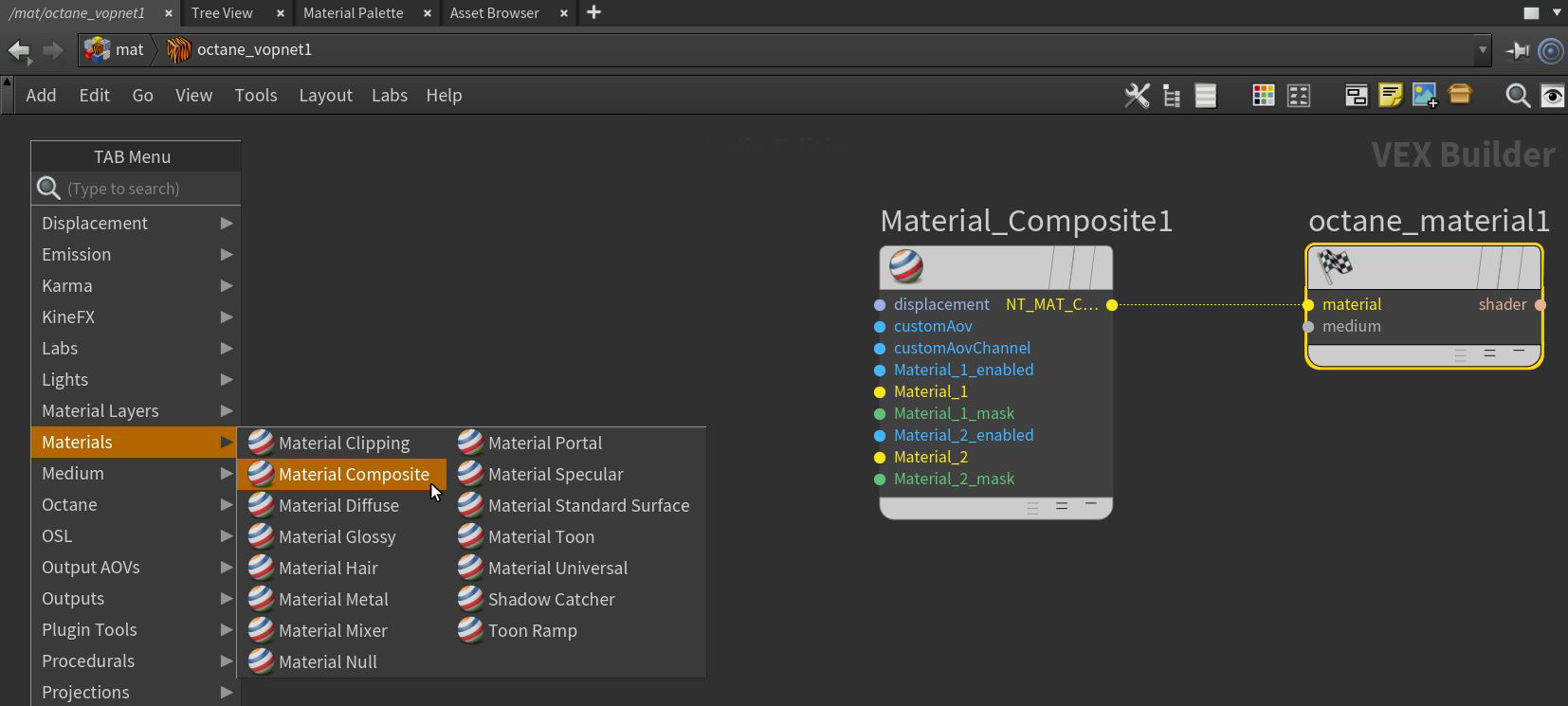
Figure 1: Accessing the Material Composite node in an Octane Vop Net node.
Composite Material Parameters
Displacement Pin- Displacement for the Composite Material surface.
Custom AOV- Writes a mask to the specified custom AOV.
Custom AOV Channel- Determines whether the custom AOV is written to a specific color channel (R, G, or B) or to all the color channels.
Material Count- Adds a new Material input to the end of the node.
Material Pin - The Material input. When several materials are used, the first Material pin becomes the base layer.
Material Mask - Controls the material’s opacity using an input map. If a mask is not connected, the mask's Value slider is used.