Sine wave fan
The Sine Wave Fan procedural texture produces an overlapping pattern based on a Sine wave (figure 2).
|
|
Sine Wave Fan
|
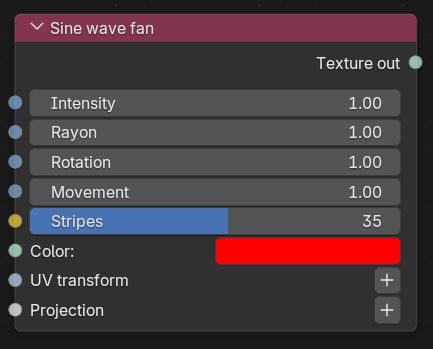
Figure 1: Sine wave fan Node
|
|
Sine Wave Fan
|
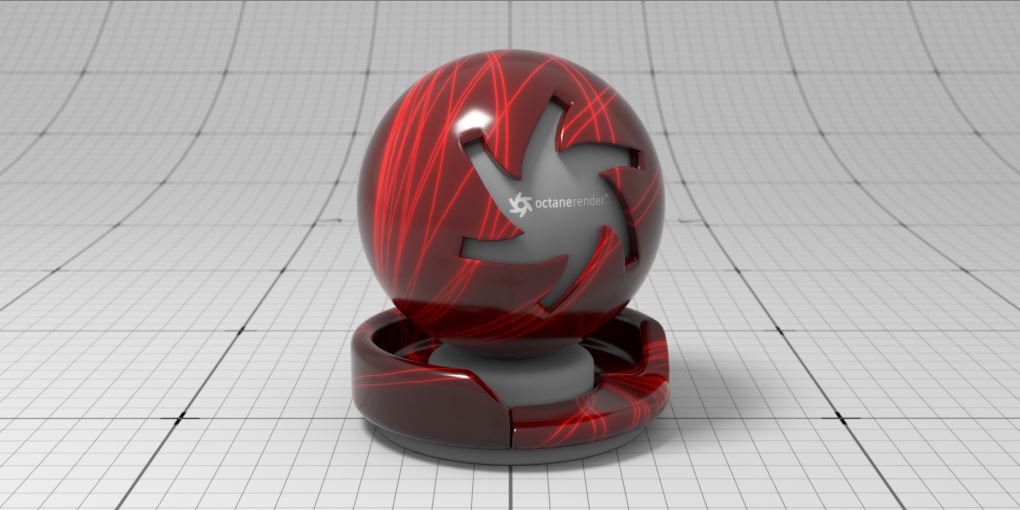
Figure 2: A Sine Wave Fan texture node example
Sine Wave Fan Parameters
Intensity - Controls the intensity of the effect.
Rayon - Determines the amplitude of the sine waves.
Rotation - Controls the frequency of the sine waves.
Movement - Controls the animation of the sine waves.
Stripes - Determines the number of stripes.
Color - Controls the color of the stripe effect.
UVW Transform - Positions, scales, and rotates the surface texture.
Projection - Sets how the texture projects onto the surface.