Push
The Push node used a Vectron shape to push on the surface of another Vectron shape (figure 2).
|
|
Push
|

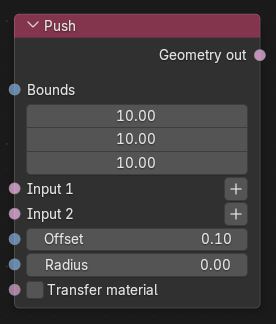
Figure 1: Push Node
|
|
Push
|

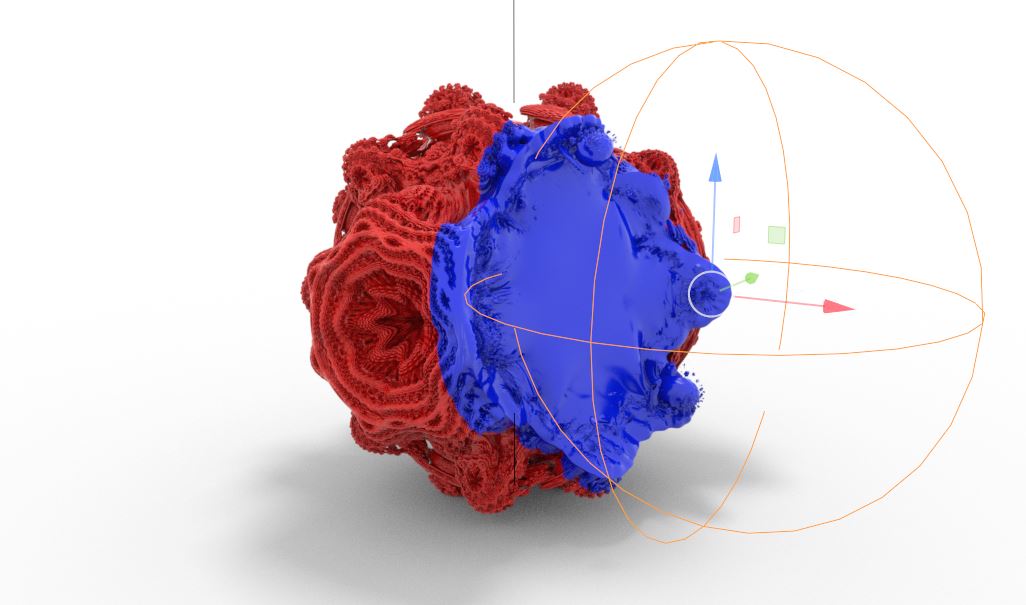
Figure 2: A blue sphere Vectron object pushing a red Vectron OSL object
Push Parameters
Bounds - Determines the bounds of the Vectron geometry.
Input 1 - The base Vectron object.
Input 2 - The Vectron object that will push Input 1.
Offset - Offsets the push results from the push surface's original volume.
Radius - Increases the intersection area, higher values will produce smoother results.
Transfer Material - If enabled, the material on the second input will be kept on the push results.