Perspective Projection
The Perspective Projection node take the world space coordinates and divides the X and Y coordinates by the Z coordinate (figure 1). One way this is useful is by using a texture with this projection as the distribution. It can also be used for camera mapping (figure 2).
|
|
Perspective Projection
|

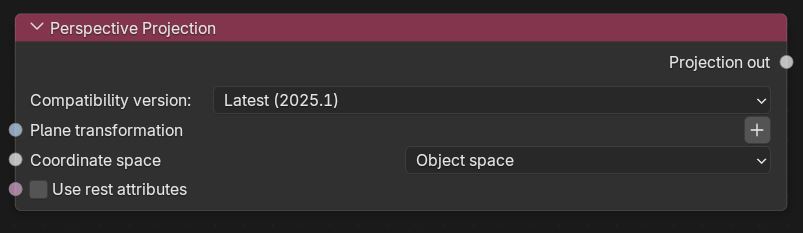
Figure 1: Perspective Projection Node
|
|
Perspective Projection
|

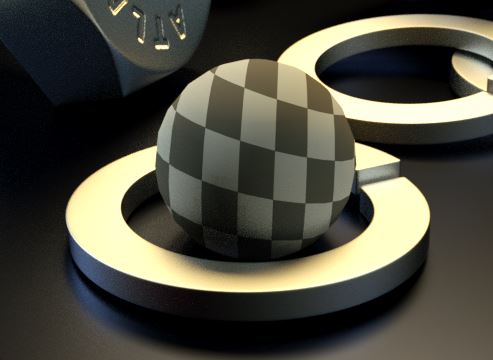
Figure 2: A Texture is mapped to a spherical Perspective projection
Perspective Projection Parameters
Compatibility Mode - The Octane version that the behavior of this node should match.
Plane Transformation - Provides an input pin for controlling the perspective plane using a 3D Transform node.
Coordinate space - Coordinate space used by the texture.
Use Rest Attributes - Keeps texture maps from distorting when the geometry is animated.