Environment
Lighting in OctaneRender® is generated using either an Octane Environment node, one of the Octane-specific lights, or by connecting an emissive Diffuse, Universal, or Standard Surface texture to geometry.
By default, all illumination you see in an OctaneRender scene when you first add geometry is generated by a white texture. When you add an Environment node to the scene and connect it to the World Output node in the World Shader Editor window , it overrides the white light. Adding a black texture environment to the scene creates a dark environment. You can then add geometry with emissive textures, a high dynamic range texture, or Octane lights to illuminate the scene.
|
|
Environment
|

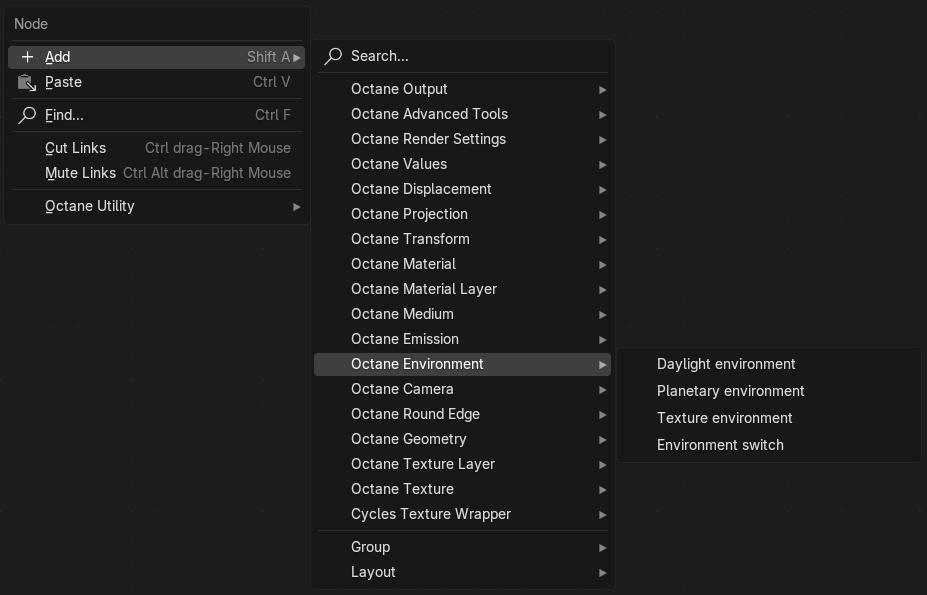
Figure 1: Octane Environment Node List