Color key
The Color Key node is used to key out a specified color in a connected texture map. In figure 2, the Color Key node is used to key out the red color on a connected texture map.
|
|
Color Key
|

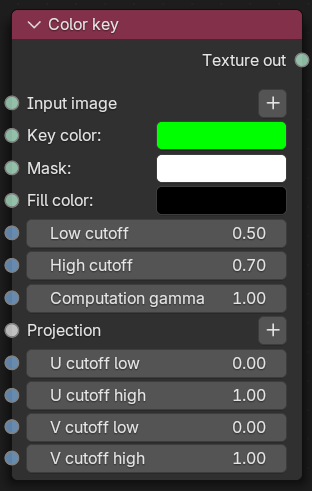
Figure 1: Color correction Node
|
|
Color Key
|

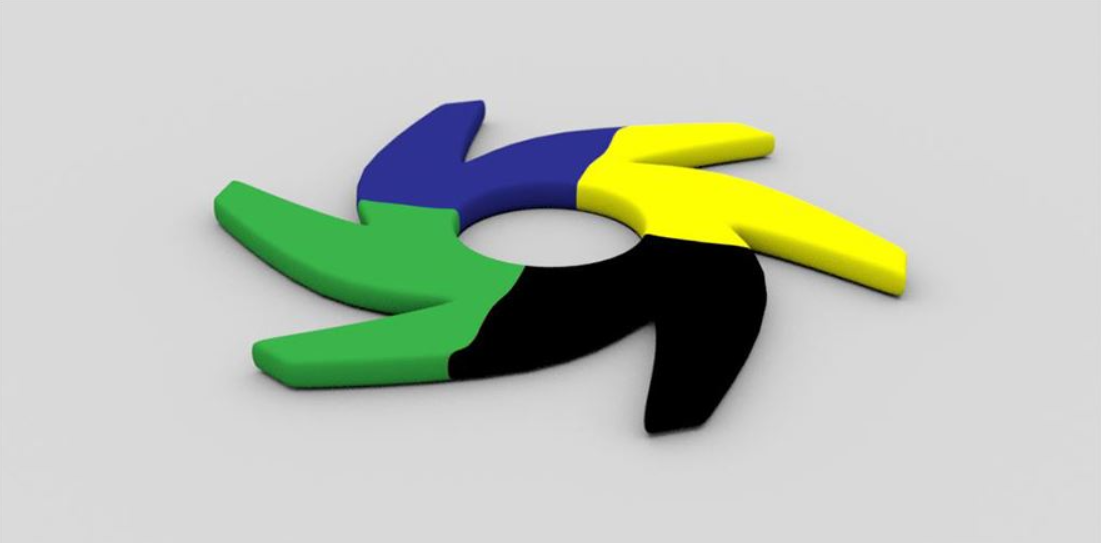
Figure 2: A Color Key node example
Color Key Parameters
Input Image - Image to be keyed.
Key Color - The color to be keyed.
Mask - Garbage matte should be connected here.
Fill Color - The color to replace the keyed area.
Low/High Cutoff - The low and high cutoff for the color difference.
Computation Gamma - Adjusts the color range mid-tones before computing the difference.
Projection - Specifies the projection type to be used for this texture.
U Cutoff Low/High - Specifies the low and high edge of simple 2D cutoff in the U direction.
V Cutoff Low/High - Specifies the low and high edge of simple 2D cutoff in the V direction.