Camera Projection
The Camera Projection node projects a texture from the direction of either the active camera or a custom camera (figure 1). In figure 2, the active camera is used to project a texture map.
|
|
Camera Projection
|
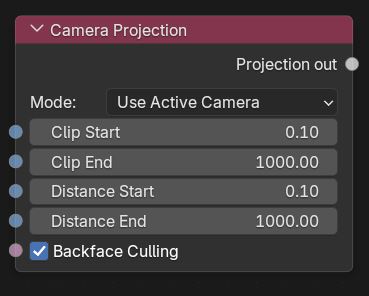
Figure 1: The Camera Projection
|
|
Camera Projection
|
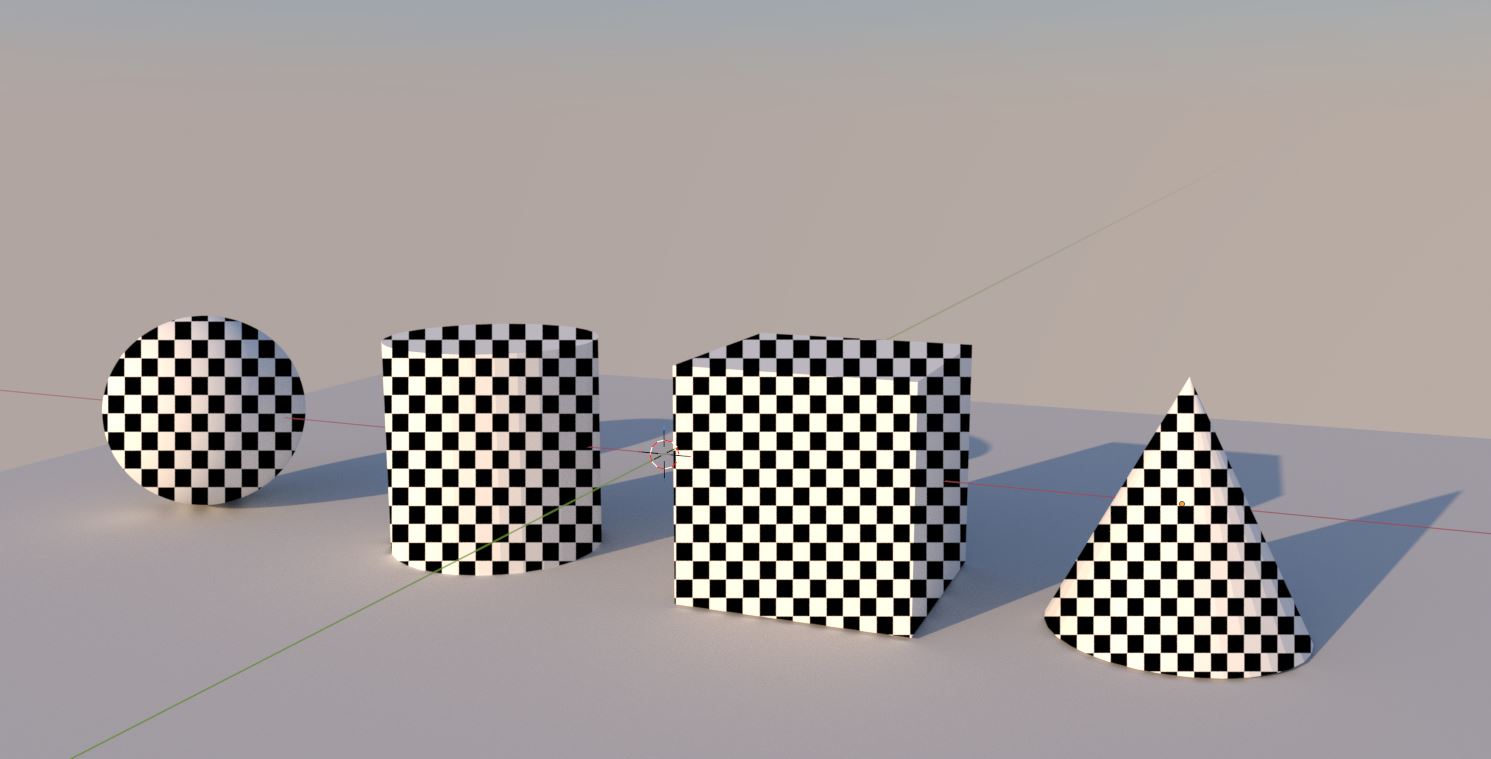
Figure 2: A Checks texture projected from the active camera
Camera Projection Parameters
Mode - Determines which camera the texture is projected from.
Clip Start/End - Specifies the distances from the camera the texture will be clipped.
Distance Start/End - Specifies the distances from the camera the texture projection will be start and end.
Backface Culling - Keeps the texture from being projected on the backside polygons.