Blend
The Blend nodes allow for combining mutiple texture layers.
|
|
Blend
|

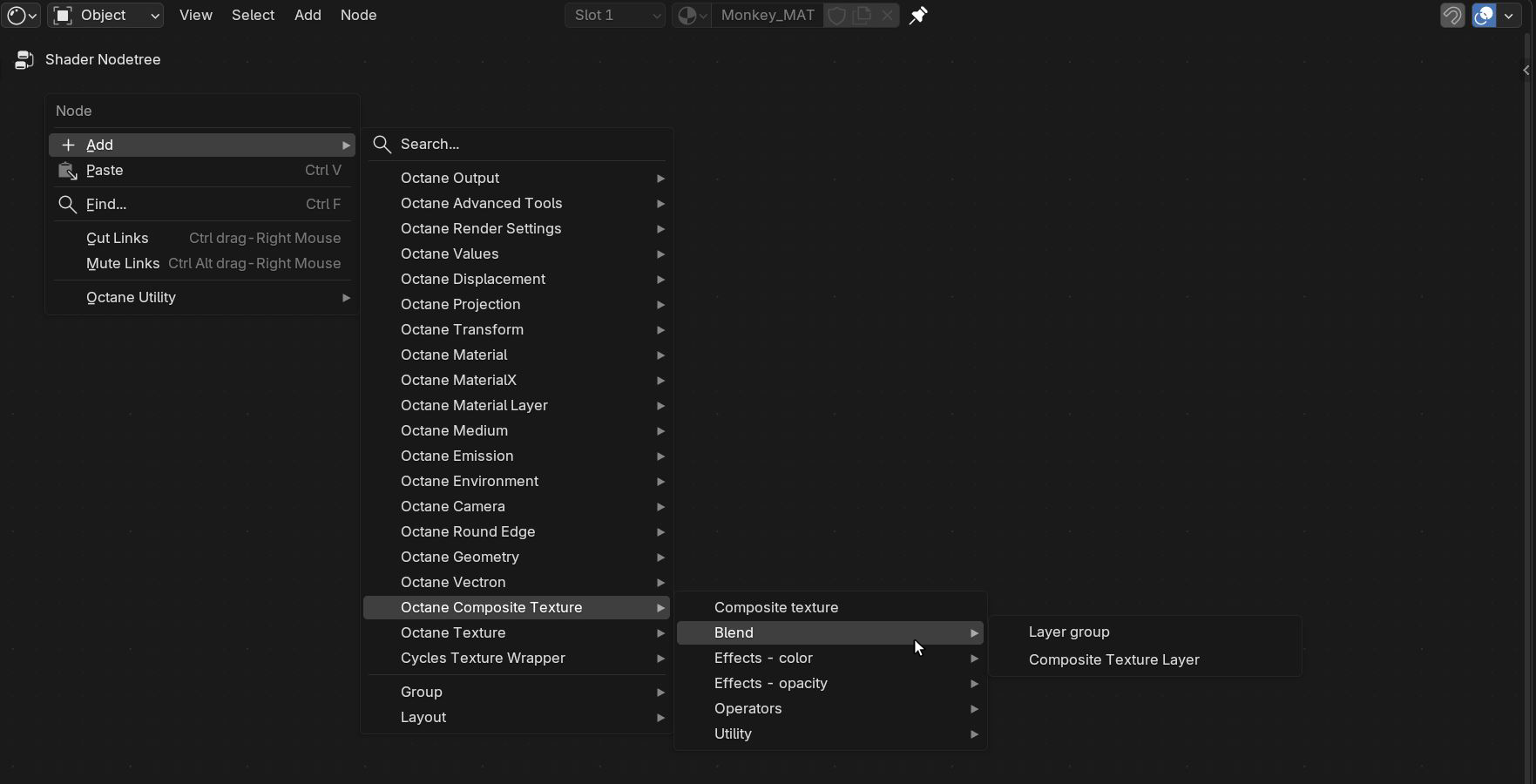
Figure 1: Octane Texture Layer - Blend Node List
The Layer Group nodes's Input socket will only accept Composite Texture Layer nodes, other Layer Group nodes, or any of the Composite Texture nodes (figure 2). Texture nodes found under the Octane Textures category must be connected to a Composite Texture Layer node before connecting to a Layer Group node (figure3).
|
|
Layer Group
|

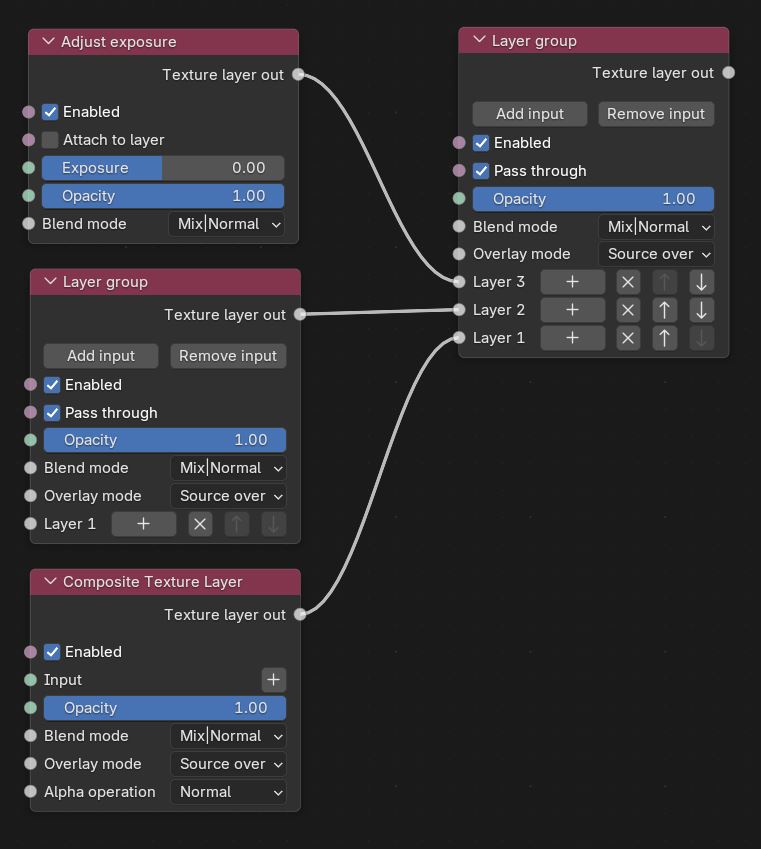
Figure 2: Nodes accepted by the Layer Group node
|
|
Composite Texture Layer
|

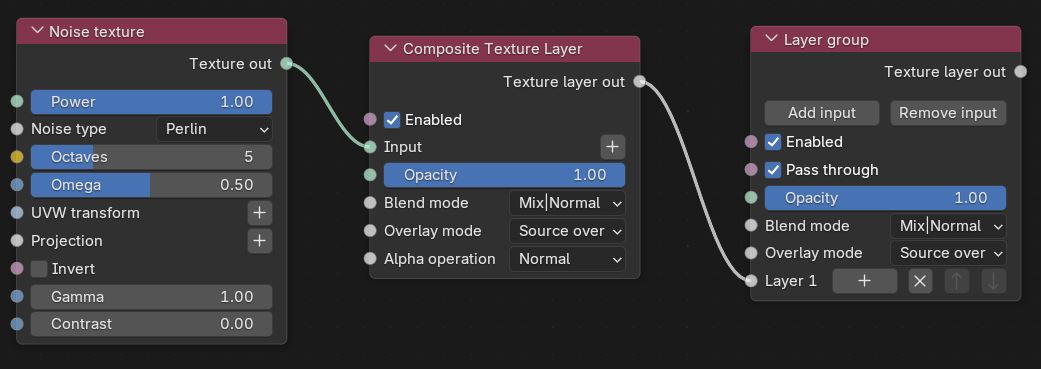
Figure 3: A Noise Texture connected to a Composite Texture Layer node