Volume SDF
The Volume SDF node uses a methematical Signed Distance Field (SDF) to define a solid surface boundary. It is different from a simple Volume node, which depends on traditional triangulated volumetric shaders. The Volume SDF node rebuilds a Signed Distance Field based on the surface level sets defined in the VDB file, and recreates the mathematical description of the geometry instead. The Volume SDF takes the same resolution as the original volume, but these can feed into OSL shaders, which allow the Volume SDF to take on an infinite resolution and even appended with procedural effects (Figure 3).
To use the Volume SDF node, right-click on the Nodegraph Editor, then click on Geometry, followed by Volume SDF (figure 1). From the operating system's File Explorer, select and import the volume VDB file as a Volume SDF.
|
|
Volume SDF
|

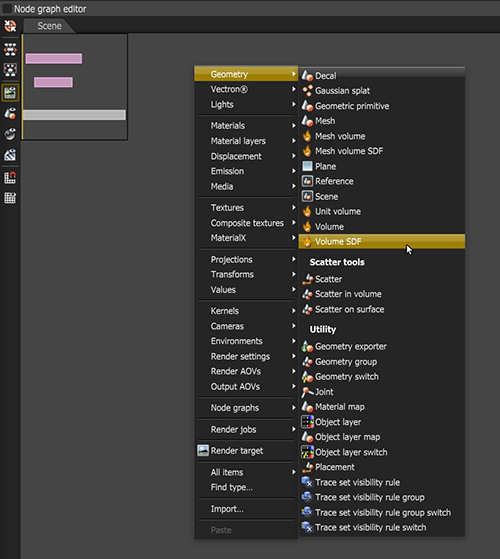
Figure 1: Adding the Volume SDF node to the scene
|
|
Volume SDF VS Volume
|

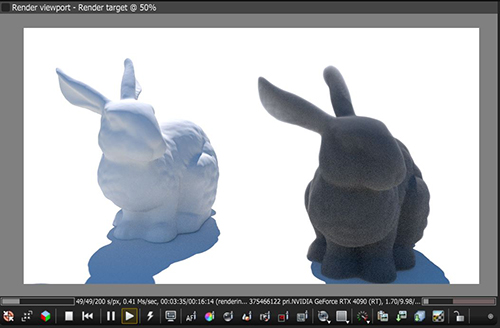
Figure 2: Comparison of a Volume SDF (left) and Volume node (right)
OctaneRender® will render SDF surfaces defined using OSL shaders without needing to convert them to a mesh first. Surface input variables can be changed without having to wait for any processing, networks of set operations such as unions, subtractions, intersection, and their smooth variants can be created - none of which need to be meshed before rendering, and all are compiled using OSL. Since Volume SDF objects are Signed Distance Fields, they can utiilize the majority of the nodes available in the Vectron® category to create more complex or intricate objects (figure 3).
|
|
Volume SDF & Vectron
|

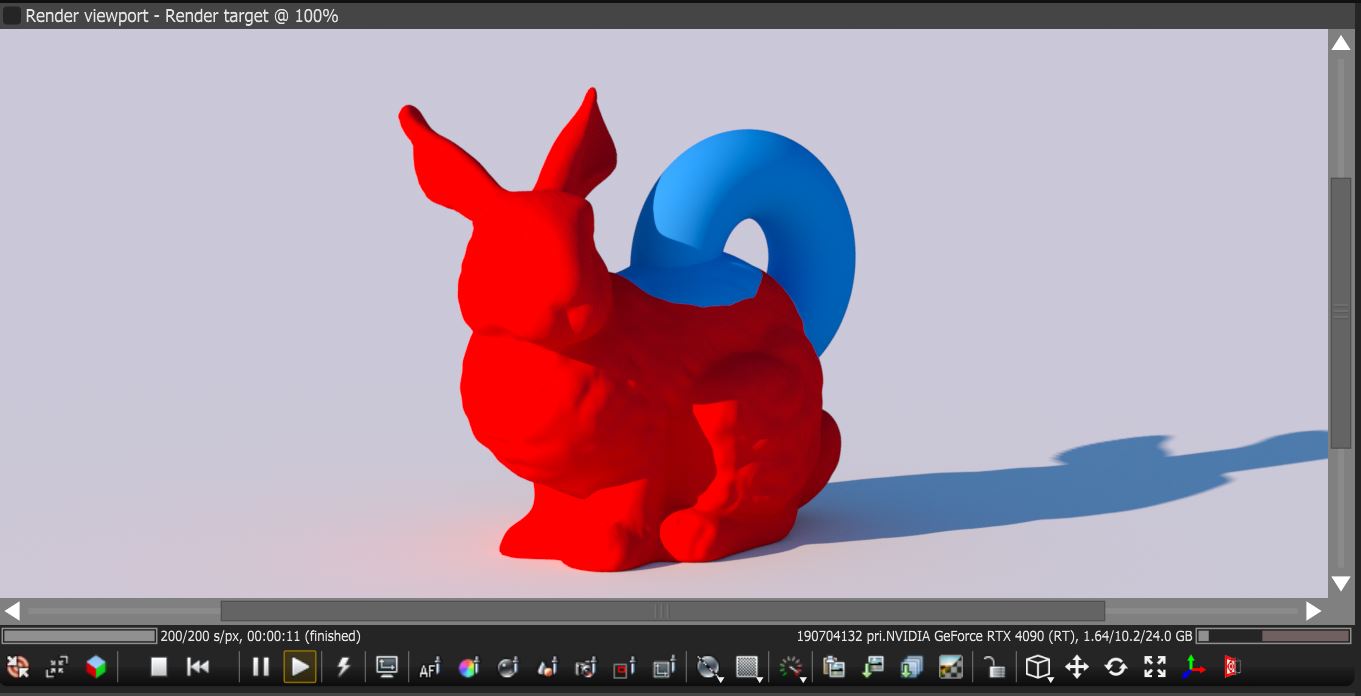
Figure 3: A Vectron torus merged with a Volume SDF object using the Vectron Pull node