Round Edges
The Round Edges node rounds off geometry edges by using a shading effect instead of creating additional geometry. It’s best used for rounded edges that will appear small in the final render. The Round Edges node can be accessed from the Procedurals section in an Octane VOP NET (figure 1).
|
|
Round Edges
|

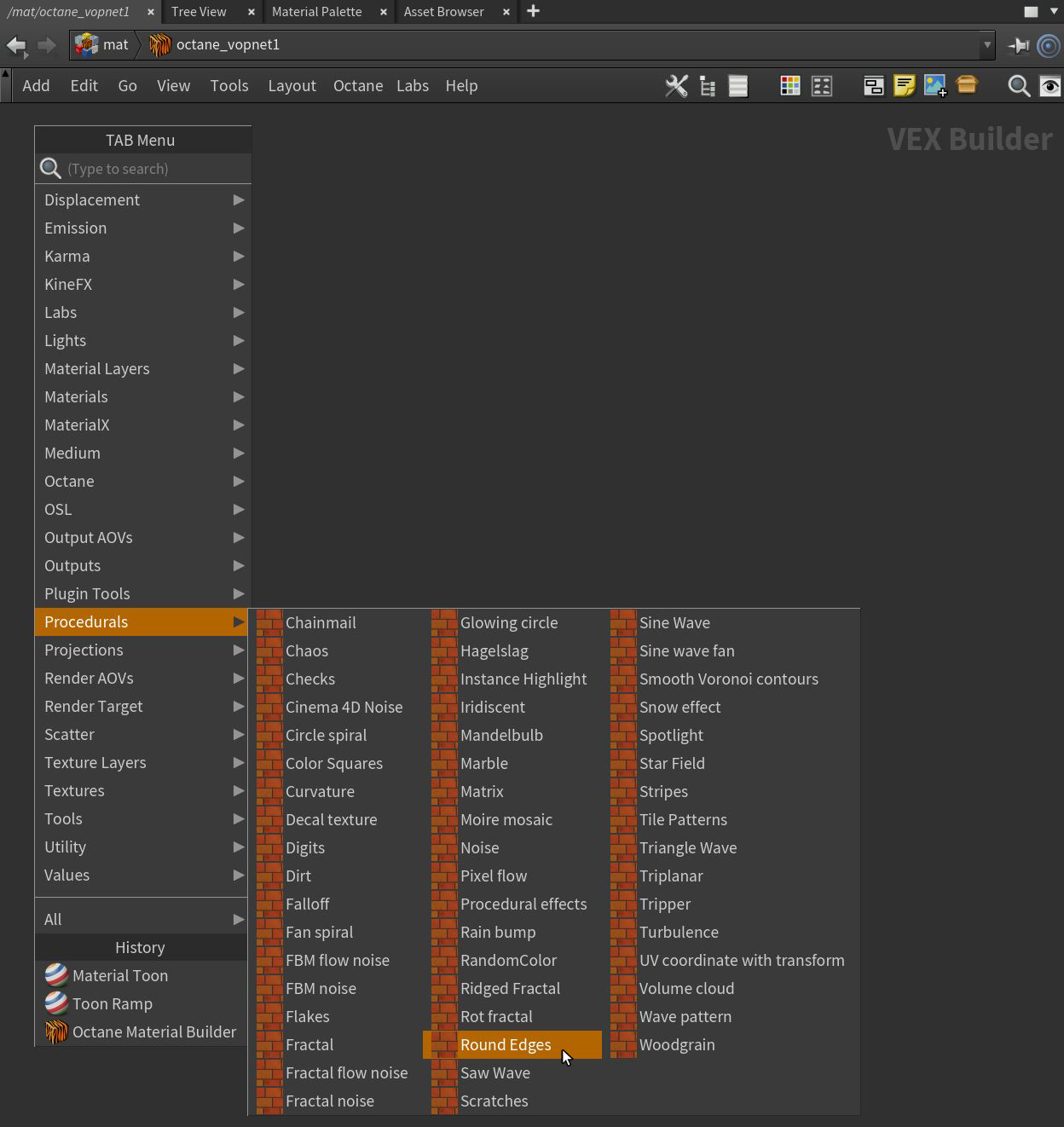
Figure 1: Accessing the Round Edges node
Round Edges Parameters
Mode - The Fast mode uses the rounding method introduced in OctaneRender® v3. The Accurate mode produces better-looking results, but may be slower. Accurate mode can select the affected edges by using the Concave Only or Convex Only options.
Radius - The rounded edge's radius.
Roundness - Controls the rounded edge's shape. A value of 1 is completely round, while 0 is a chamfer.
Samples - The number of rays to use when sampling neighboring geometry.
Consider Other Objects - Controls how rounded edges are applied to different objects. When enabled, intersections between different objects are rounded. When disabled, only the current object is considered.
Compatibility Version - The Octane version that the behavior of this node should match.
- Latest (2022.1.2) - Default.
- 2022.1.1 - Always factor in the edge sharpness instead of just when the material smooth flag is set.