LiveDB
The LiveDB is the OctaneRender® asset database. This stores not only materials, but groups of nodes and even whole scenes shared by the OctaneRender community and the OctaneRender team. The asset database makes it easier to move groups of nodes, scenes, and assets across a myriad of OctaneRender® plugins, in addition to the Standalone edition.
You can access the LiveDB window from the Octane shelf (Figure 1).
|
|
Live DB
|


Figure 1: Accessing the LiveDB from the Octane shelf
To download and use a material from the LiveDB, right-click on the material thumbnail and click Import (Figure 2). OctaneRender places the imported material in the default MAT network (Figure 3).
|
|
Live DB
|

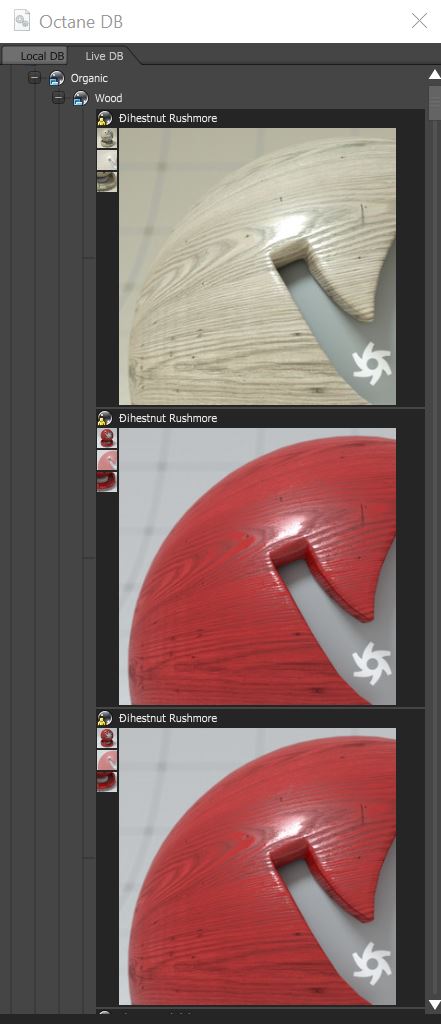
Figure 2: Shader thumbnails in the LiveDB window
|
|
Live DB
|

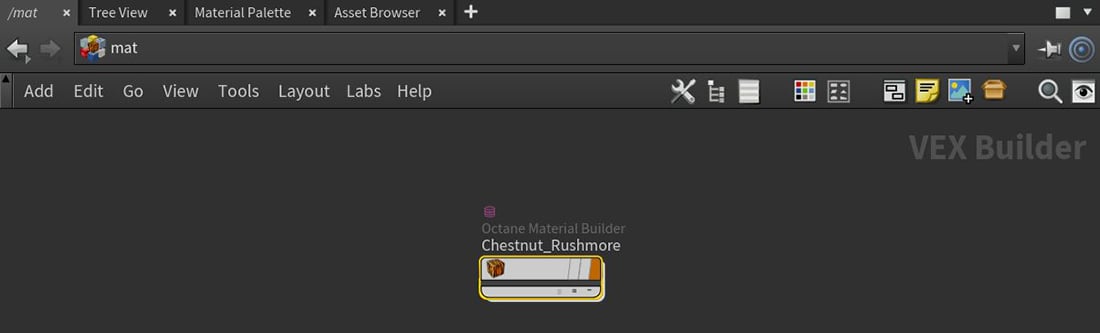
Figure 3: An imported shader from the LiveDB
OctaneRender saves texture maps associated with an imported material to the $HIP path for the current scene file (Figure 4).
|
|
Live DB
|

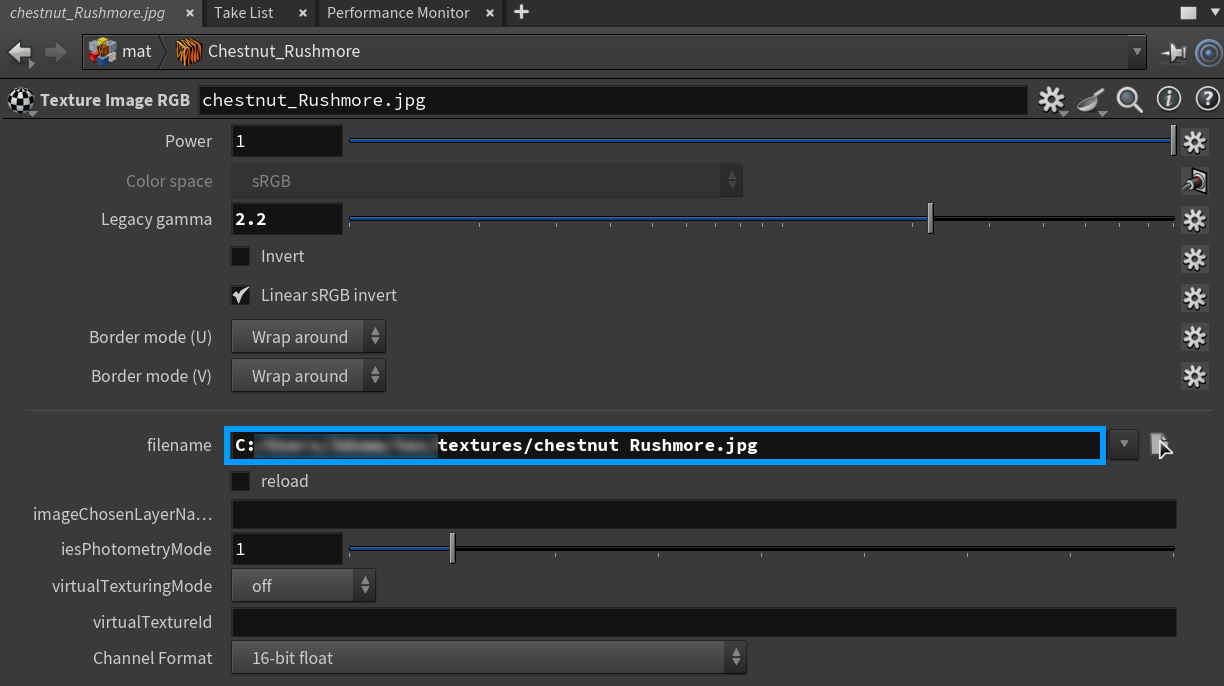
Figure 4: Saved location for texture maps associated with imported LiveDB shader