Ink
The Ink Vectron operator will place the second input's material on the first input where the two Vectron objects intersect (figure 2).
|
|
Ink
|

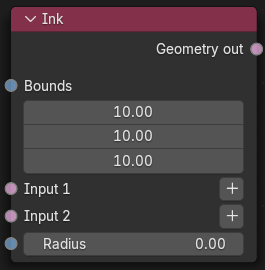
Figure 1: Ink Node
In figure 2:, the second input's material on the Ink node is being placed on the first input's surface where the two signed distance fields overlap.
|
|
Ink
|

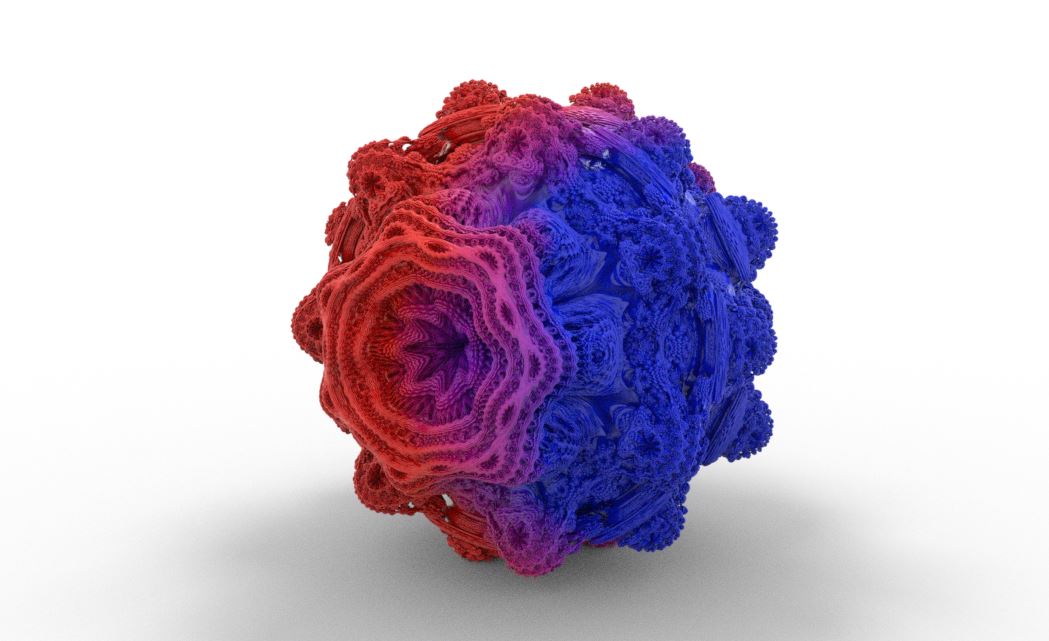
Figure 2: Results of blue Vectron sphere inking over a Vectron OSL object
Ink Parameters
Bounds - Determines the area to be clipped, anything outside of the bounds is clipped away.
Input 1 - Material input 1.
Input 2 - Material input 2.
Radius - Blur the transition between the two materials.