Clip
The Clip Vectron operator will clip an existing Vectron object (figure 2).
|
|
Clip
|

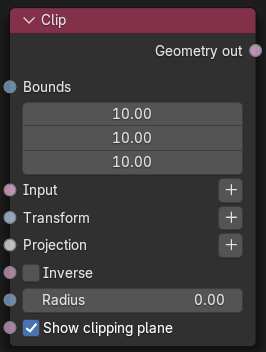
Figure 1: Clip Node
|
|
Clip
|

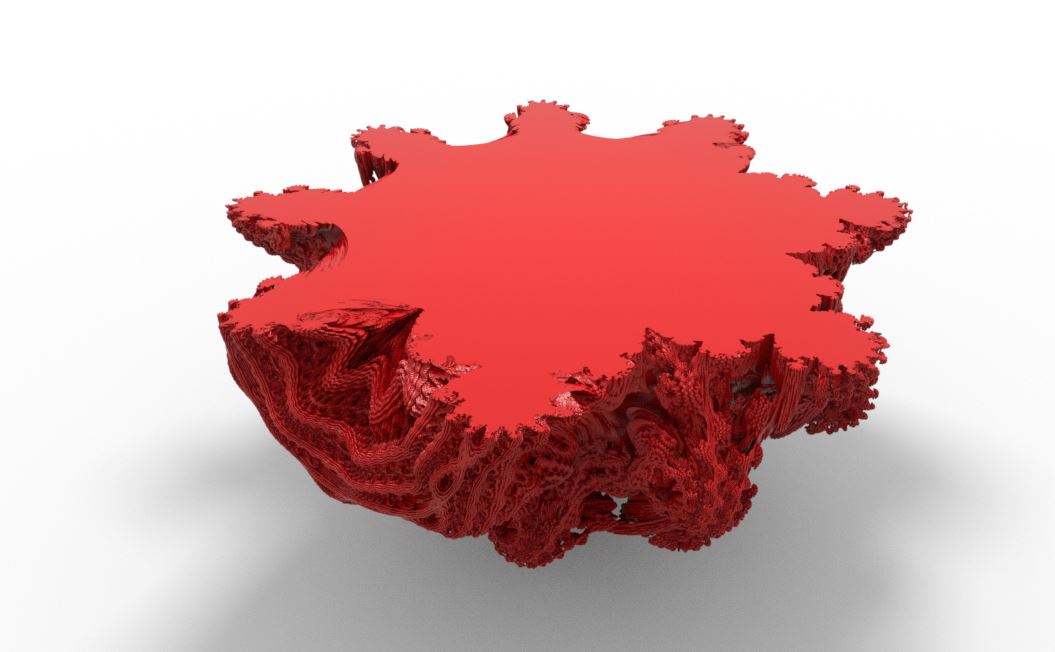
Figure 2: The Clip Vectron Operator applied to a Vectron OSL object
Clip Parameters
Bounds - Determines the area to be clipped, anything outside of the bounds is clipped away.
Input - A Vectron source can be added to this input as the object to be clipped.
Transform - Used to transform the clipping bounds in the scene.
Projection - Used to adjust the projected angle of the clipping bounds.
Inverse - Inverts the clipping bounds.
Radius - Determines how far from the clipping bounds the input object will be clipped, providing a softer transition from the clipped area (figure 3).
|
|
Clip Radius
|


Figure 3: A clipped object with a larger Radius value
Show Clipping Plane - Shows or hides the clipping plane. In figure 4, the clipping plane is showing along with the Inverse parameter active.
|
|
Clipping Plane
|


Figure 4: Show Clipping Plane along with Inverse