Tool UVW Transform
The UVW Transform node takes an input texture and applies a map to transform the input texture’s UV layout on top of the input texture’s own UV coordinate transformation (Figure 1).
|
|
Tool UVW Transform
|
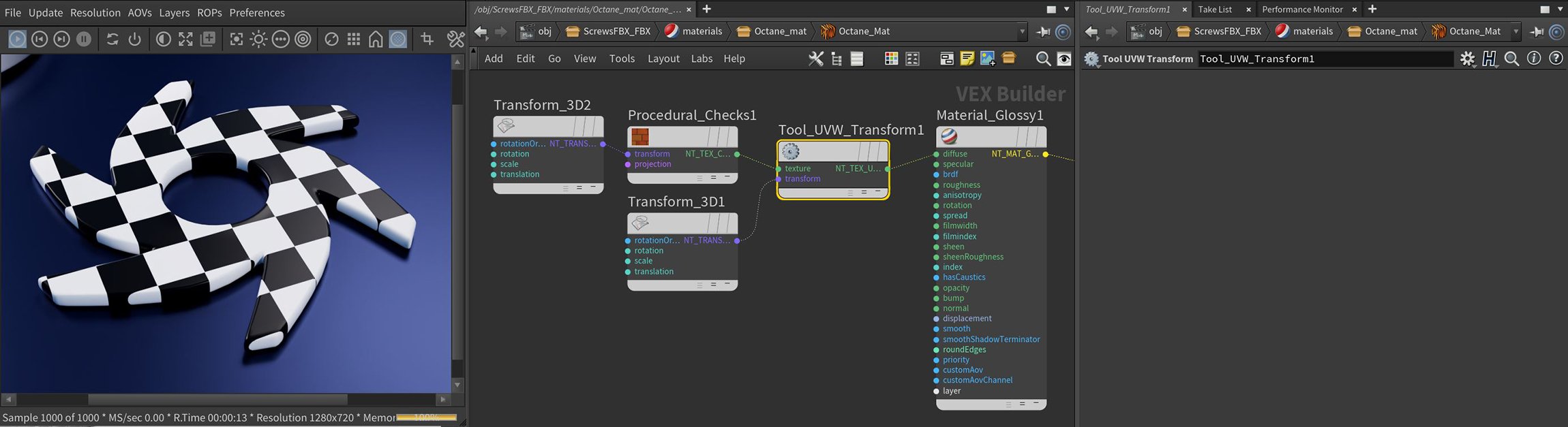
Figure 1: The UVW Transform texture applied to the Octane logo on top of the Transform 3D node connected to the Checks texture node
The UVW Transform node can work with other mapping textures like the Triplanar, Mix , or Cosine Mix textures, or the logical texture maps (Comparison) or arithmetic texture maps (Add, Subtract, Multiply).