Octane Universal Ligfht
The Octane Universal Light provides a light source object for quick lighting setups that provides more functionality than the basic Octane light type (Figure 1). There is an additional Modify tab than contains parameters for altering the distribution of light across a surface.
|
|
Octane Universal Light
|

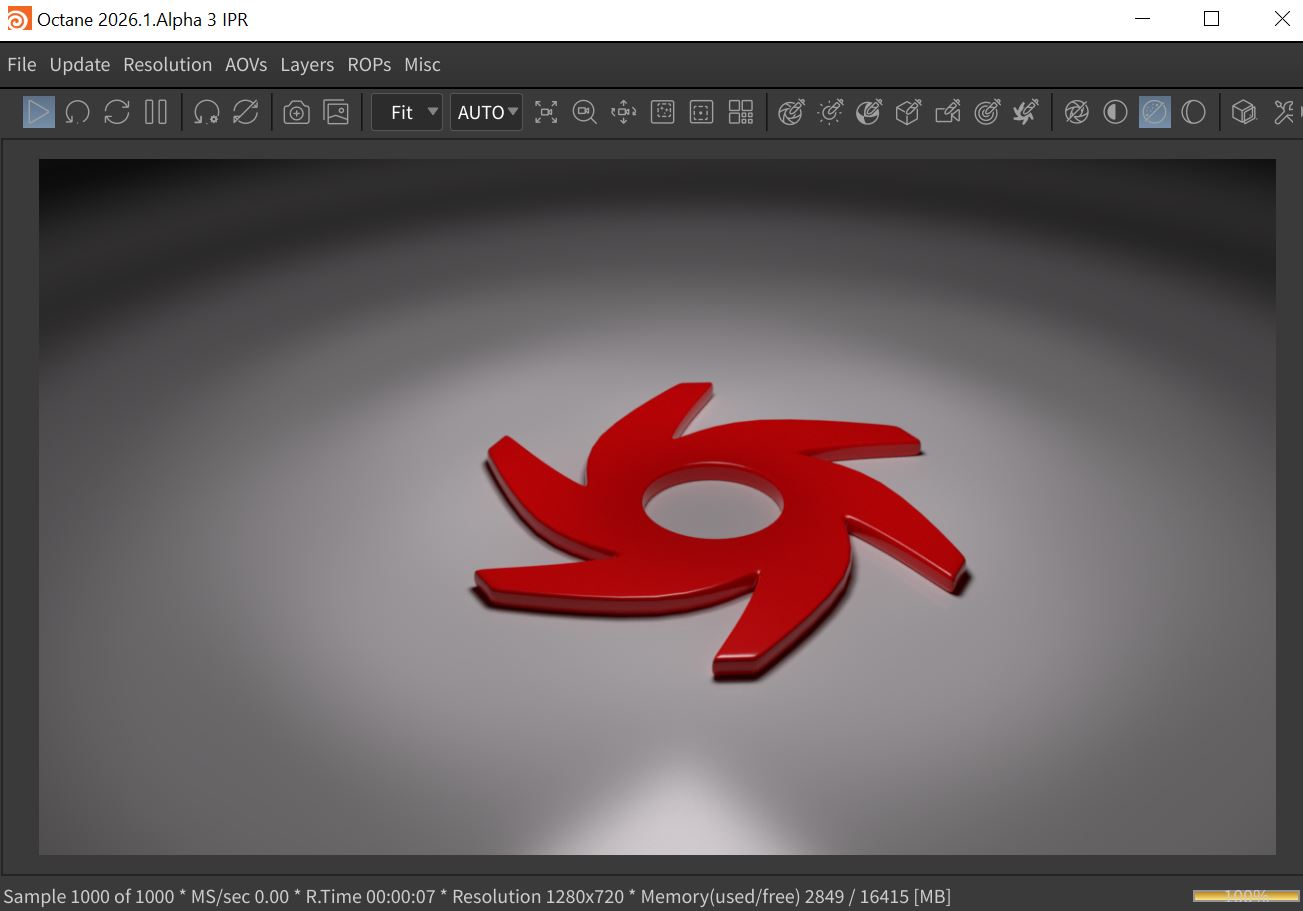
Figure 1: The Octane Universal light with the Shadow Rings option activated
The Octane Universal Light can be added to a scene from the Octane shelf tab (figure 2) or from the Octane menu in the OBJ network view (figure 3).
|
|
Octane Universal Light
|


Figure 2: Accessing the Octane Universal Light from the Octane shelf
|
|
Octane Universal Light
|

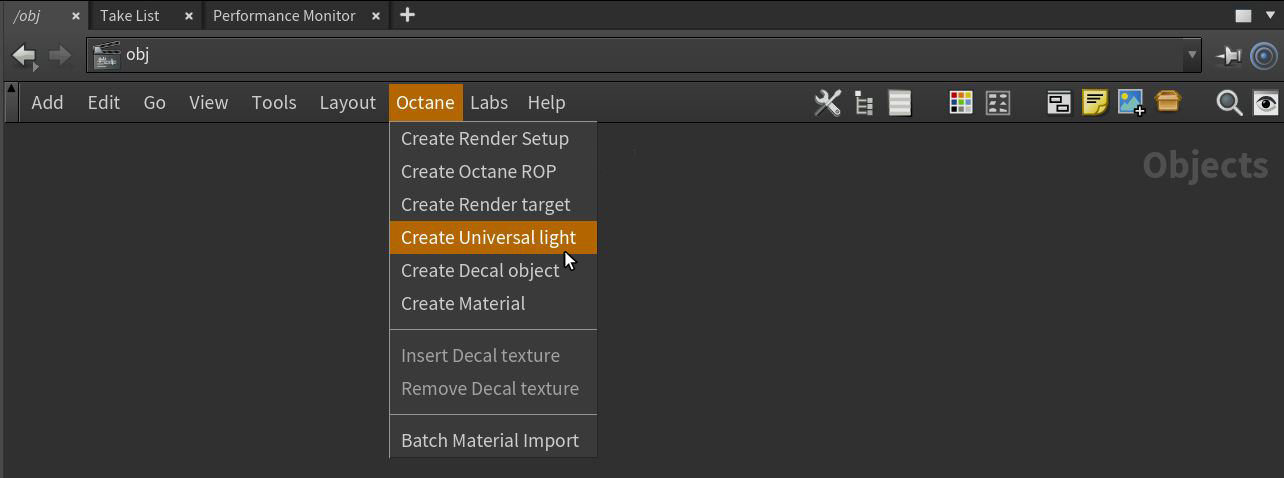
Figure 3: Accessing the Octane Universal Light from the Octane menu
Transform Tab Parameters
Translate/Rotate/Scale - These parameters determine the position and orientation of the light source in the scene.
Viewing/Look At/Path Options - These tabs contain parameters for constraining a light source via a script, a path, or another object.
Light Tab Parameters
Enable - This switch specifies whether or not the light source is active.
Light Type - This parameter provides various light shapes (Quad, Circle, Sphere, Torus, Tube, Spotlight, etc.).
Material - Provides options for selecting a Black Body, Texture, or Custom emission type.
Shader Path - Specifies the location for the light shader. The default is the Spectron Quad.
Surface Brightness - If enabled, the surface area or size of the light source affects the brightness of the light.
Keep Instance Power - Enabling this option with Surface Brightness disabled and uniform scaling applied to the object causes the brightness to remain constant.
Double Sided - Allows emitters to emit light from the front and back sides.
Distribution - The directional emission pattern of the light source.
Sampling Rate - Determines how often the light source is sampled.
Intensity - Controls the overall power or brightness of the light. Additionally, a texture can be used to control the intensity's color and distribution.
Modify Tab Parameters
The Modify tab provides a set of procedural distribution parameters.
Override Tab Parameters
The Override tab provides a buil-in set of Ray Switch parameters along with Object Layer parameters such as Camera Visibility, Visible on Diffuse, etc.