Lighting Overview
OctaneRender® for Houdini® has eight types of lights:
- Daylight
- Planetary
- Texture
- Octane Light
- Octane Universal Light
- Octane Toon Light
- Mesh Emitters including Blackbody & Texture Emission nodes
- Spectron Light
You can access these lights from various locations in Houdini. OctaneRender requires at least one light source in order to produce a rendering that is not dark. When you add a Render Target to a scene, the Render Target contains parameters for Environment lighting. This is set to Preview by default (Figure 1).
|
|
Lighting Overview
|

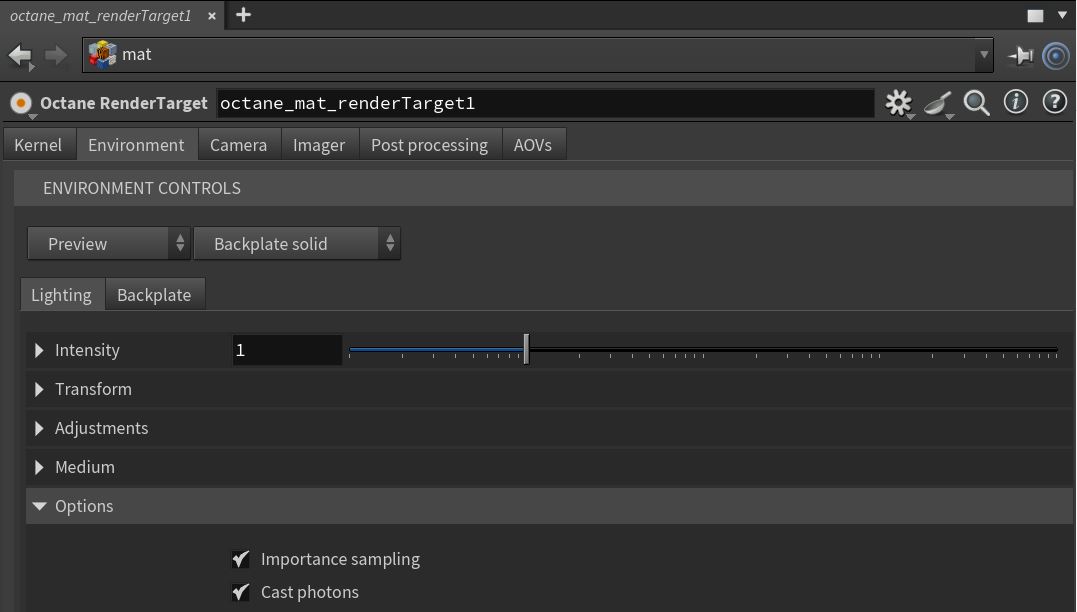
Figure 1: Accessing the Daylight environment from the Render Target node
The Environment light can increase or decrease the overall lighting in a Houdini scene. For instance, if you want a scene without any Environment light contribution so that you can add specific lights to the scene, you would set the Intensity parameter to 0 (Figure 2).
|
|
Lighting Overview
|

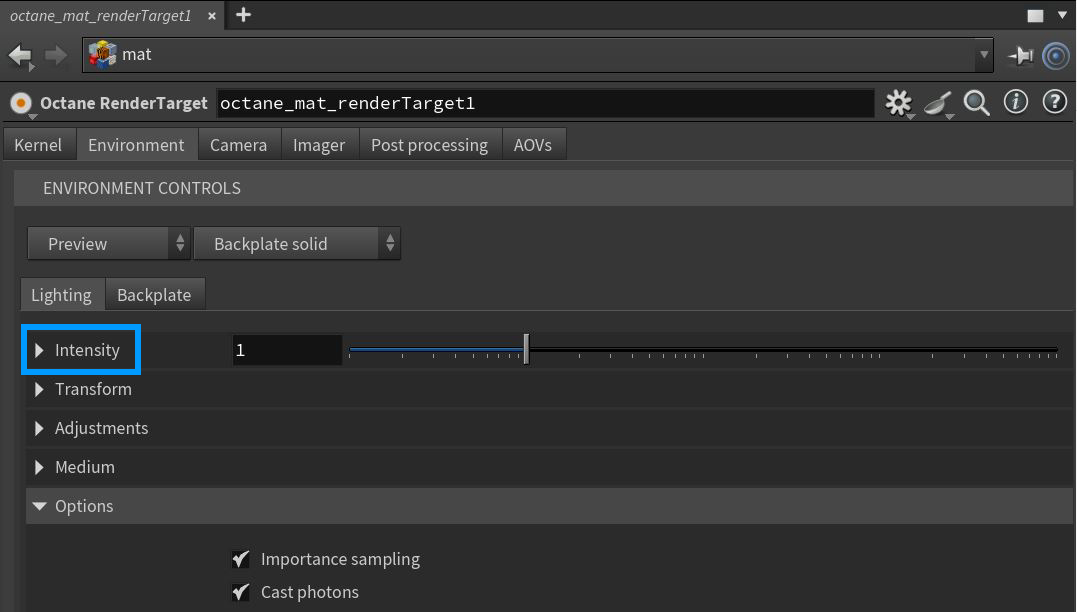
Figure 2: The Environment Intensity parameter