AOVs and Compositing
Octane's Arbitrary Output Variables (AOVs) system is extensive and contains two types of editors, the Octane Render AOVs and Octane Composite. They provide a way to composite the AOVs together directly in OctaneRender®. Octane Render AOV editor is recommended for configuring AOVs (figure 1).
|
|
Render AOVs
|

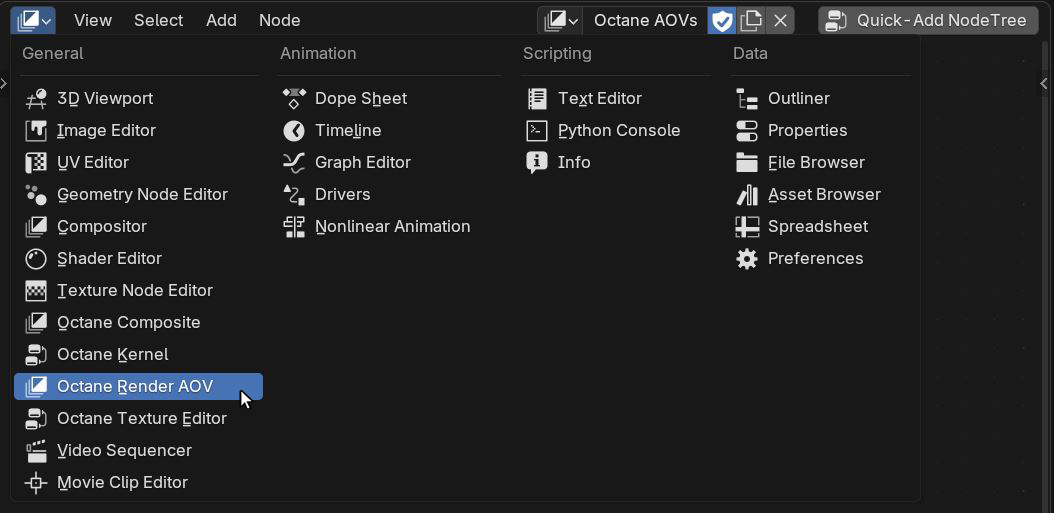
Figure 1: Octane Render AOV Editor
You can find the list of AOVs for output in Octane Render AOV (figure 2).
|
|
Render AOVs
|

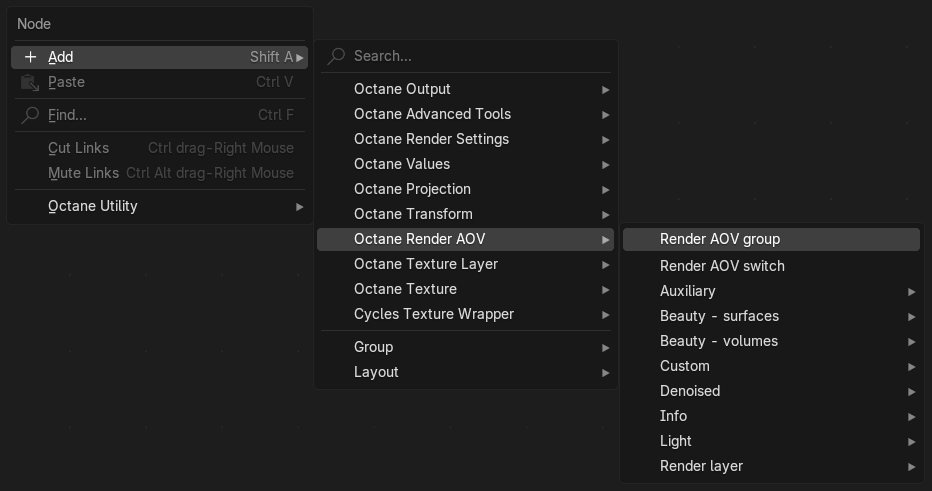
Figure 2: Accessing the Octane Render AOV nodes
Once the Render AOVs are configured, you can use the Octane Composite editor to combine the various AOVs together.
|
|
Compositor
|

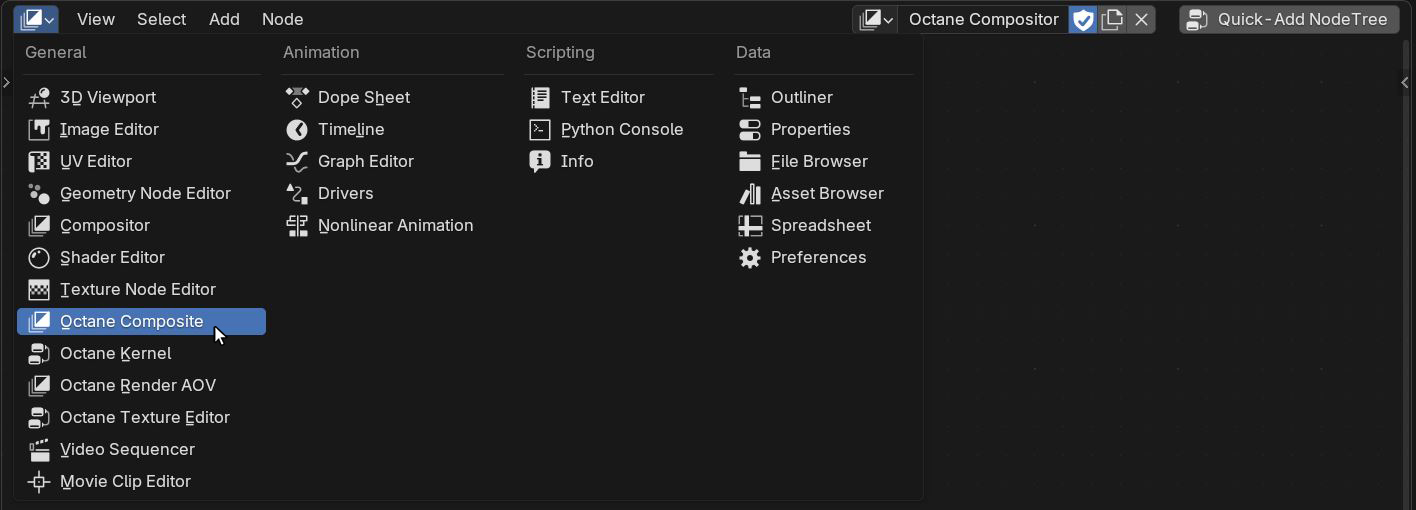
Figure 3: Octane Composite Editor
The Octane Compositor nodes allow you to manipulate and combine the AOVs for compositing task.
|
|
Compositor
|


Figure 4: Accessing the Octane Compositor nodes
To enable the Octane Render AOV and Octane Compositor for rendering, go to the View Layer Properties panel and make sure the Render AOV Node Graph and Octane AOV Output Group are assigned correctly.
|
|
Enabling Render AOVs & Compositor
|

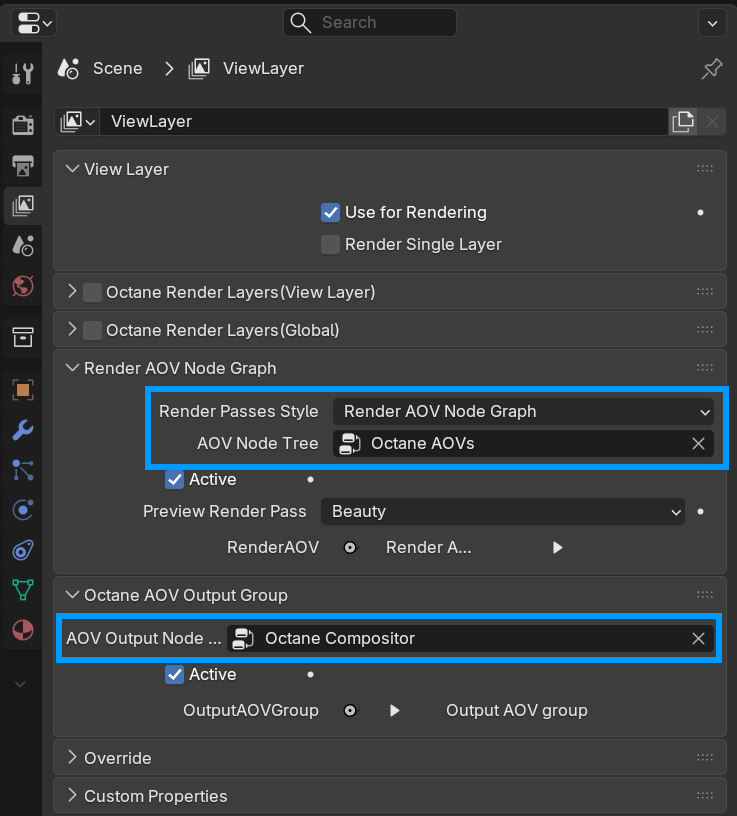
Figure 5: Enable Octane Render AOVs and Composite
For simple cases, users can choose the legacy render passes if they prefer it (but some features are not available in render passes, such as custom AOV, global texture).
|
|
Legacy Render Passes
|

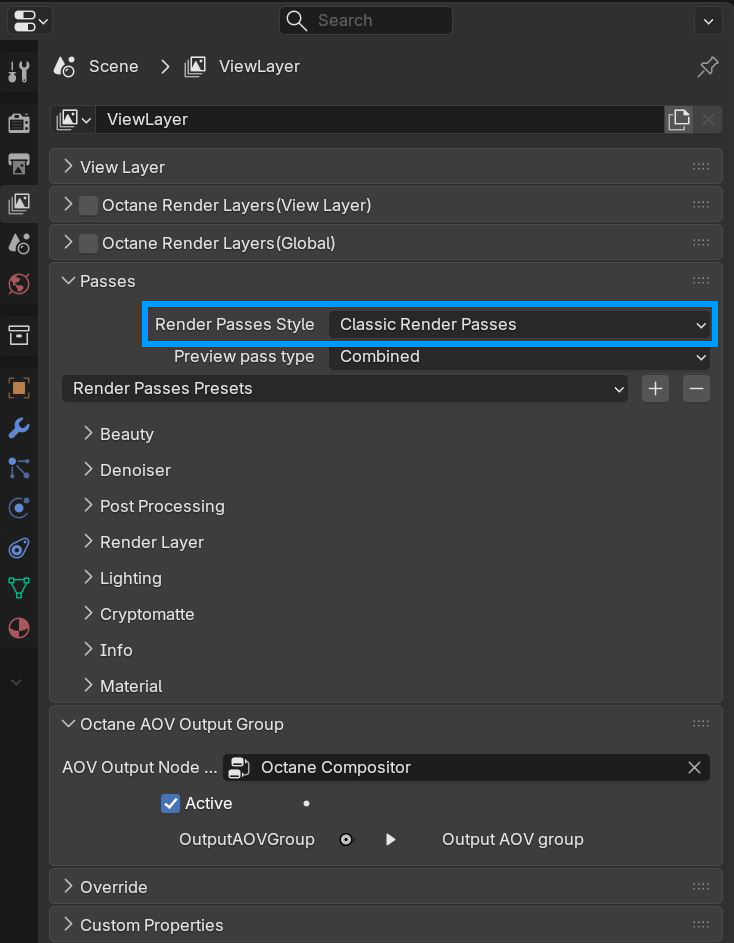
Figure 6: Legacy Render Passes