Gaussian (Spectrum)
OctaneRender® is visible light spectrum rendering engine. All RGB-based inputs are automatically converted to the specific wavelength of a given RGB color. RGB values themselves are just an approximation of an actual, true color, therefore, the most precise definition of a given color is its own actual light wavelength. Typically, RGB can produce realistic color, but RGB color result in noise when used for bright emission. The Gaussian Spectrum node can be used for very bright emission with less noise as well as produce saturated colors while maintaining brightness.
|
|
Gaussian Spectrum
|

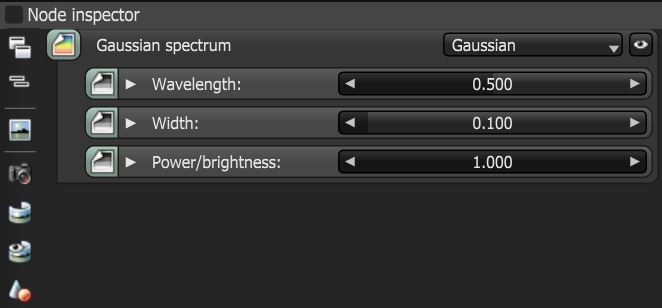
Figure 1: Gaussian Spectrum parameters
Gaussian Parameters
Wavelength - The mean wavelength approximation between 380 nm - 720 nm (with a range from 0 - 1). Lower values appear bluish, and higher values (around 700 nm) appear reddish.
Width - Controls the prevision of the resulting color as set in the Wavelength value, from fully saturated to white-ish. When set to 0, almost no color is visible. When set to 1, the color spreads thin over a large space, and the texture appears faint.
Power/Brightness - The texture's brightness.
|
|
Gaussian SPectrum
|

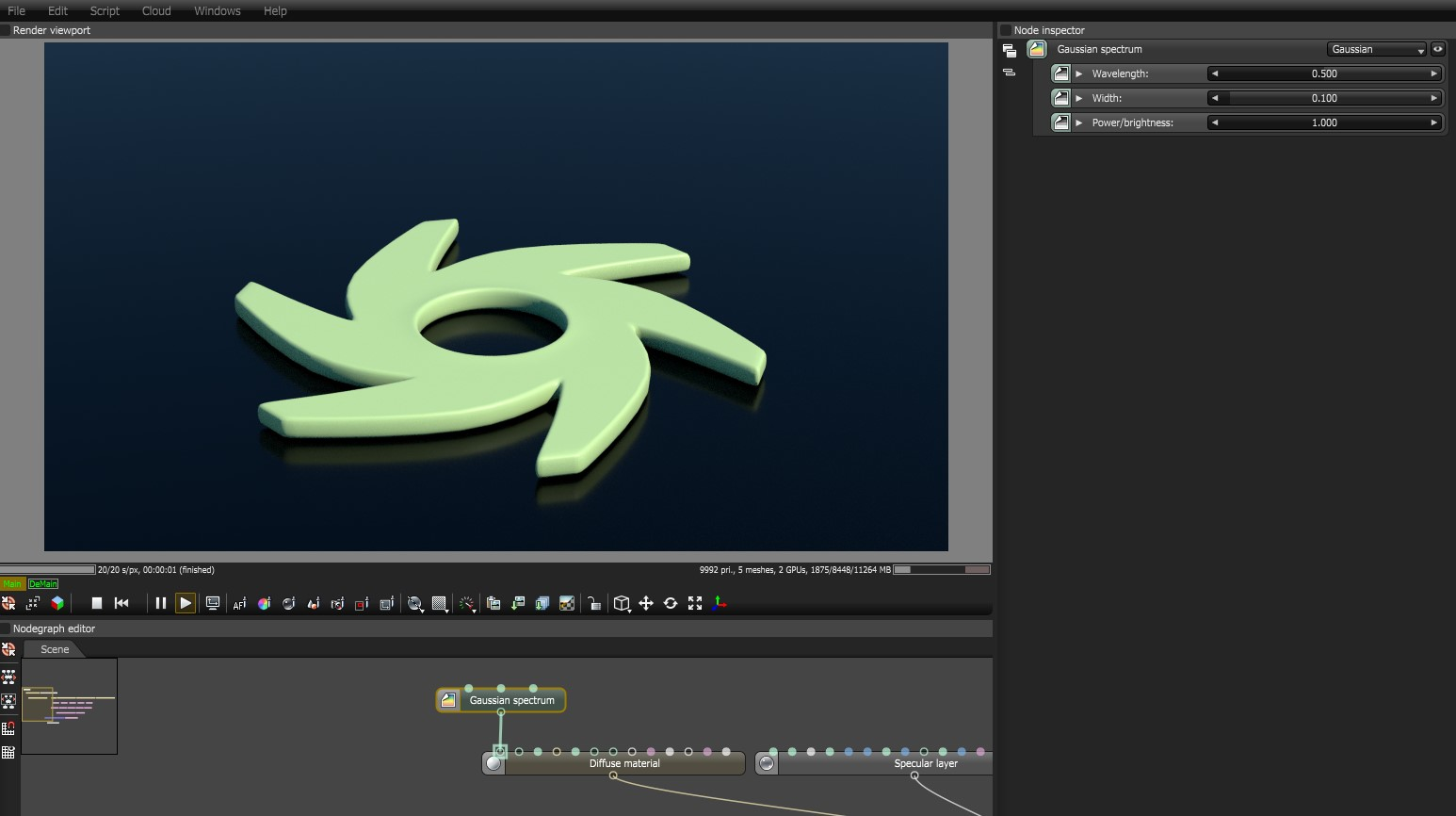
Figure 2: The Gaussian Spectrum node connected to the Diffuse input on a Diffuse material node
As Octane is dealing with wavelengths, width and power, simple discreet color choices (such as RGB blue 0,0,1) or HSV blue (0.66667, 1, 1) can be a little less intuitive. These models and others are mere approximations of the actual colors that we see, which the Gaussian Spectrum accurately describes.