Downloading Required Files
The installation process begins by first accessing your account via the Otoy website (figure 1) and downloading the OctaneRender® Blender Addon and Octane Server for your operating system (figure 2). Please see the section on Creating an OTOY Account for information pertaining to setting up an account.
|
|
Downloads
|

Figure 1: Clicking on the Sign-In button to access your Otoy account
|
|
Downloads
|

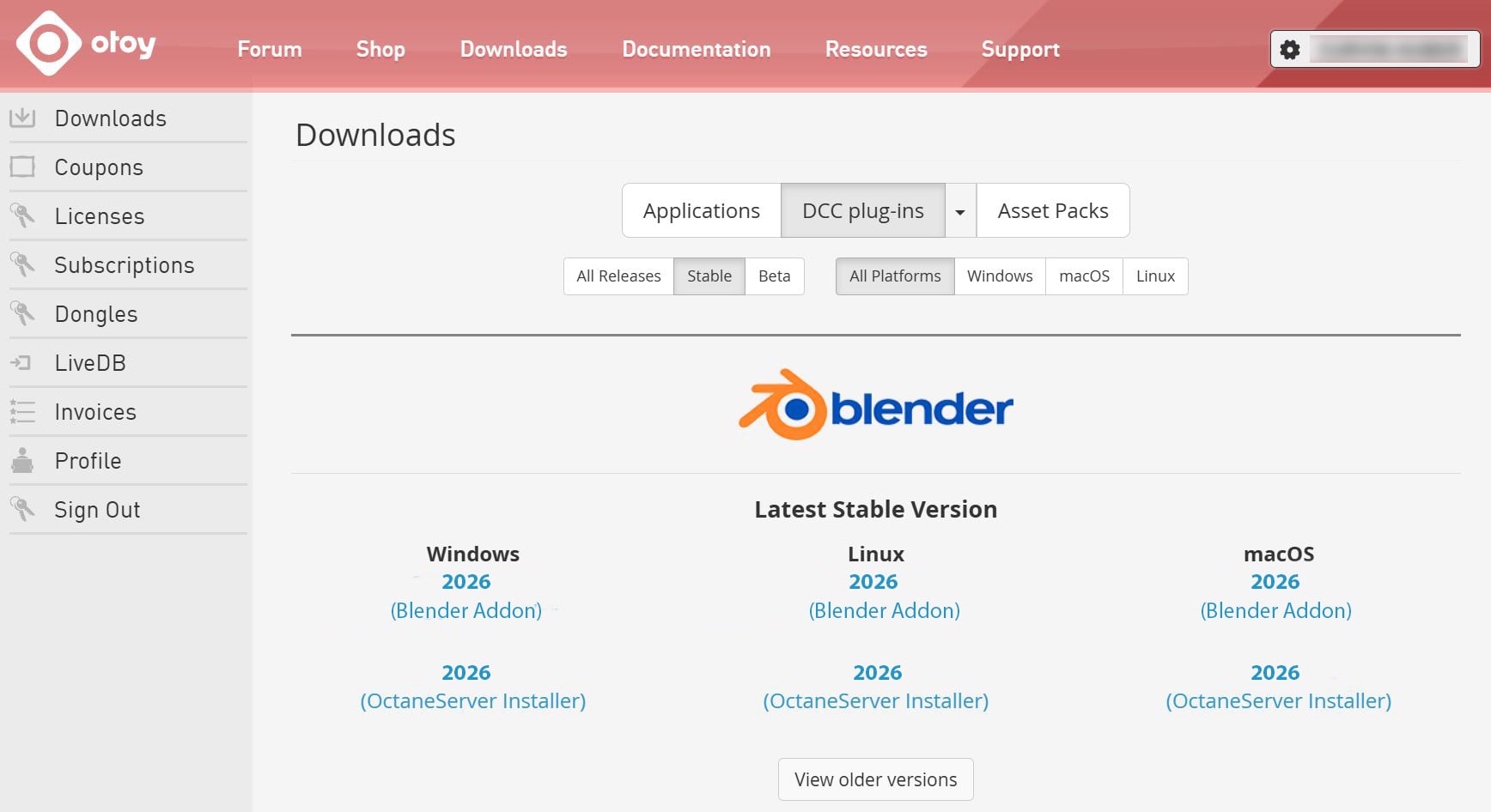
Figure 2: Accessing the OctaneRender and OctaneServer Blender installer from the Downloads section of your Otoy account
|
NOTE The addon version must match the Octane Server version. For example: Octane_addon_server_studio_31.2 must match the addon version, octane_blender_addon_31.2 |
Older versions of the Octane plugins or standalone application can be accessed by clicking on the View Older Versions link on the Download page.